0 / 5000
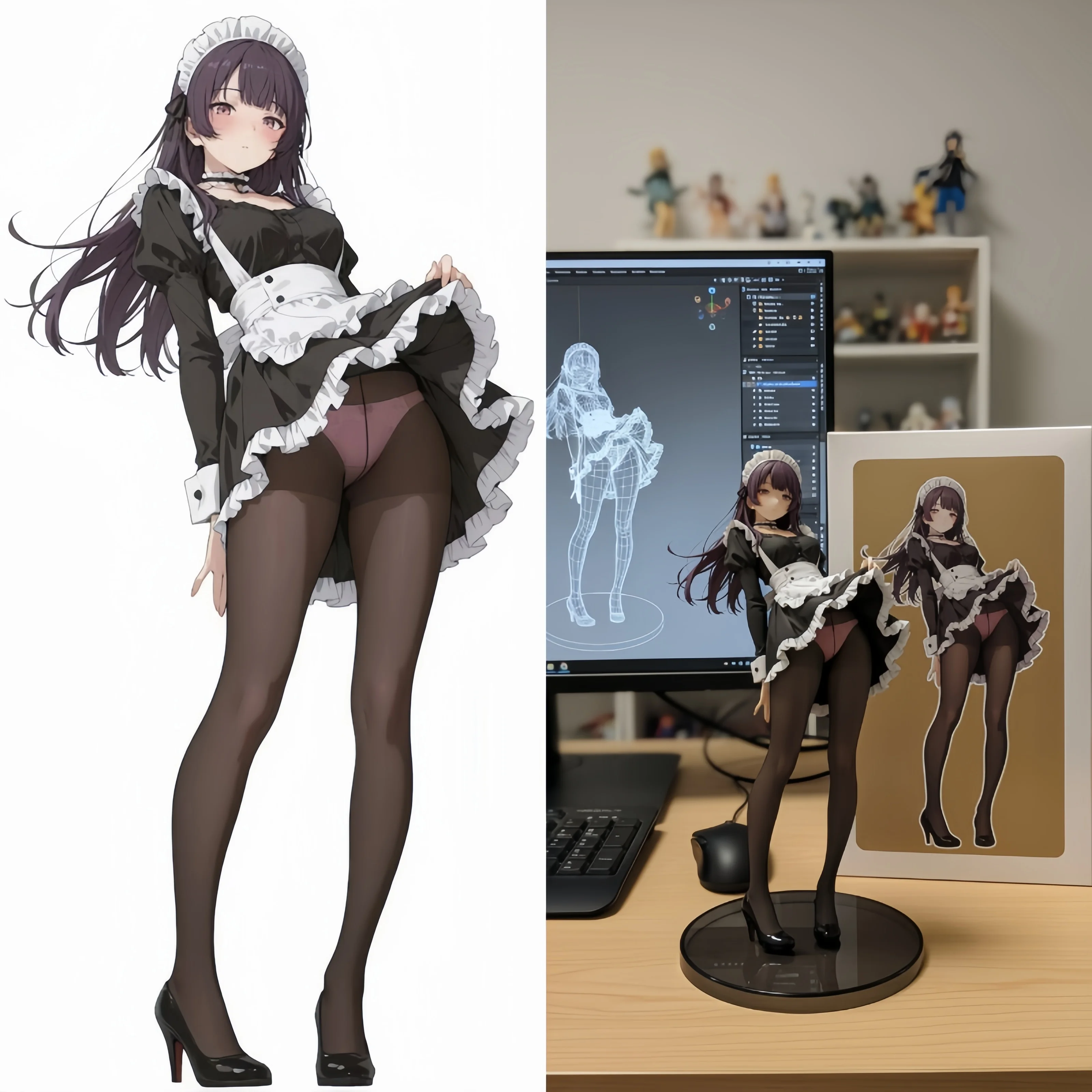
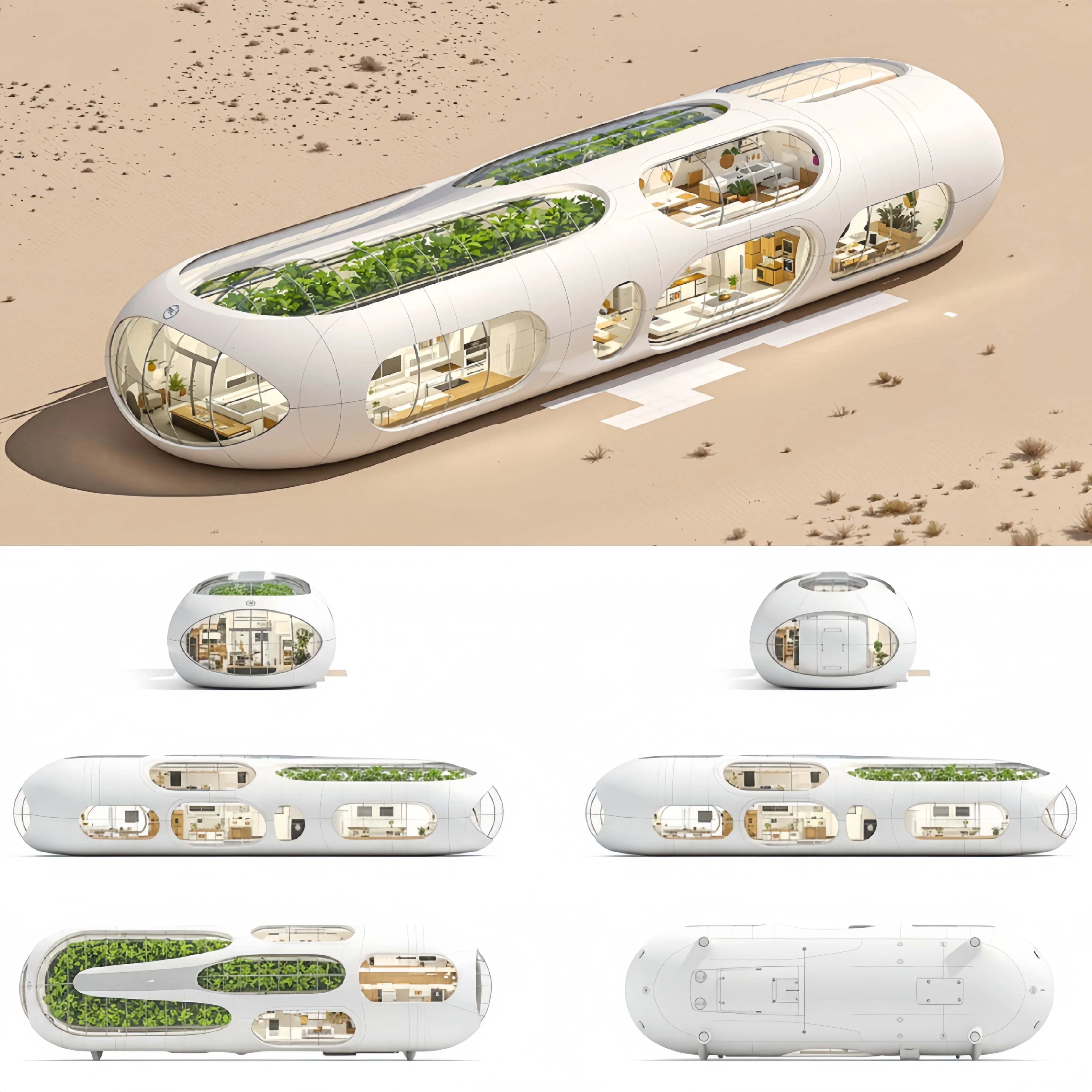
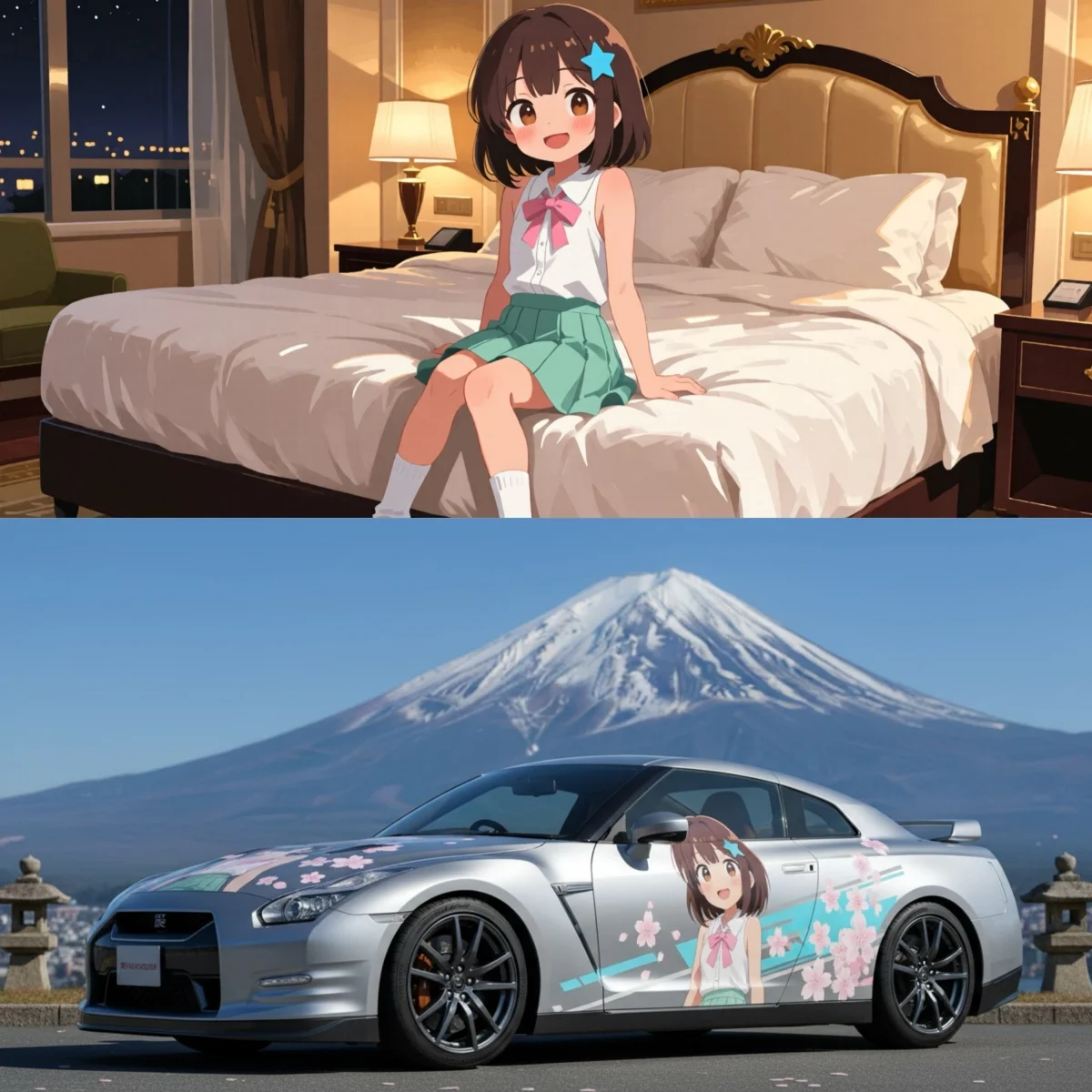
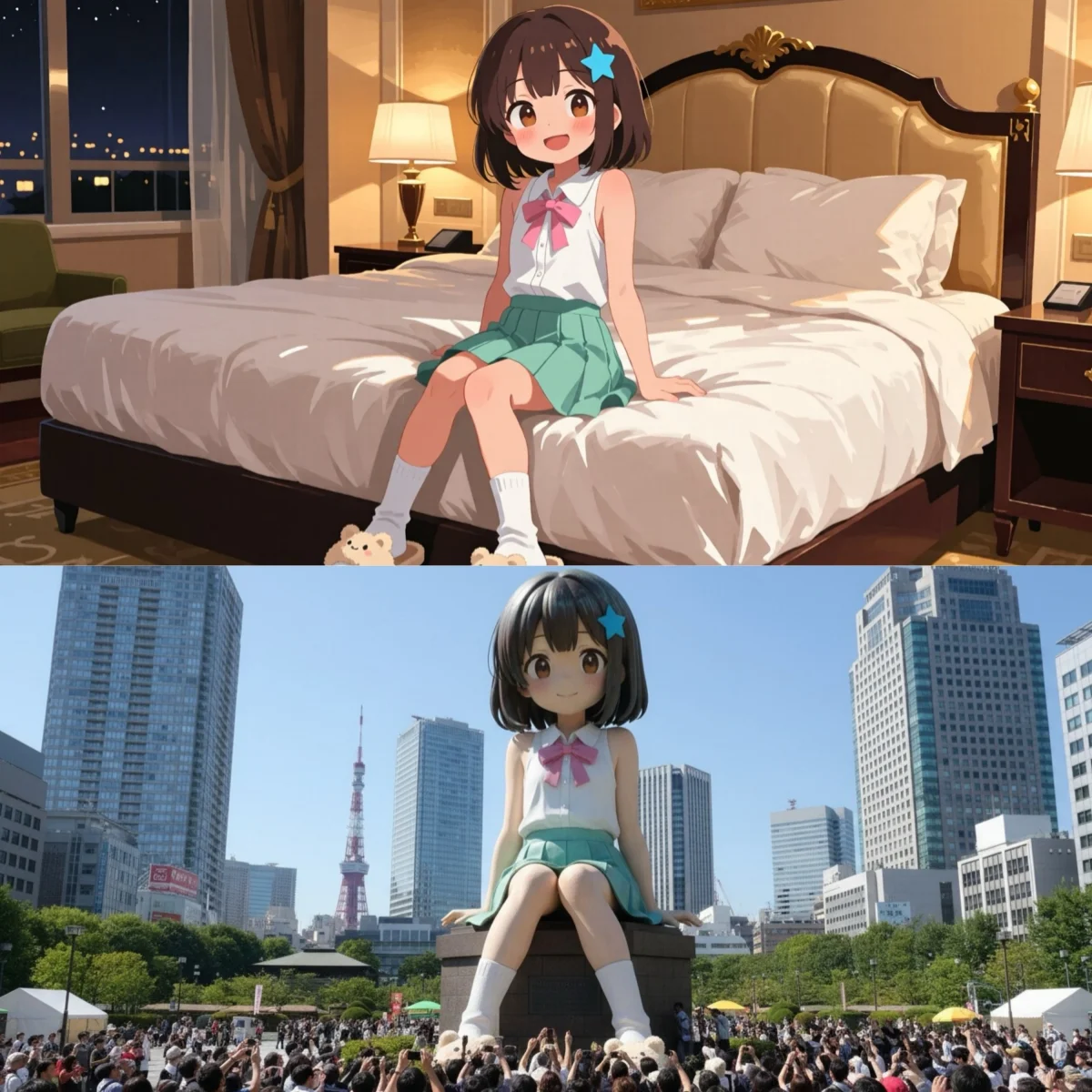
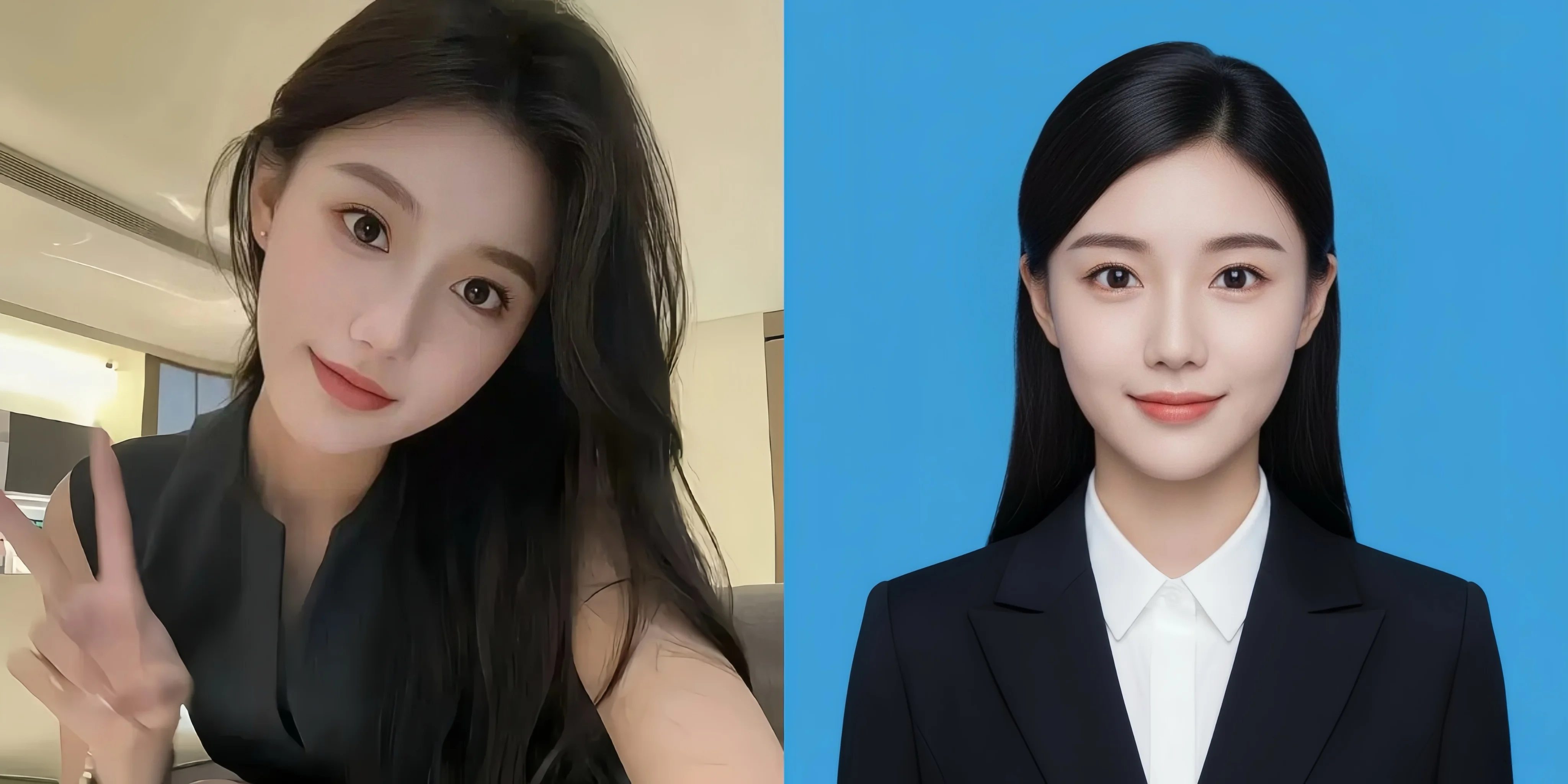
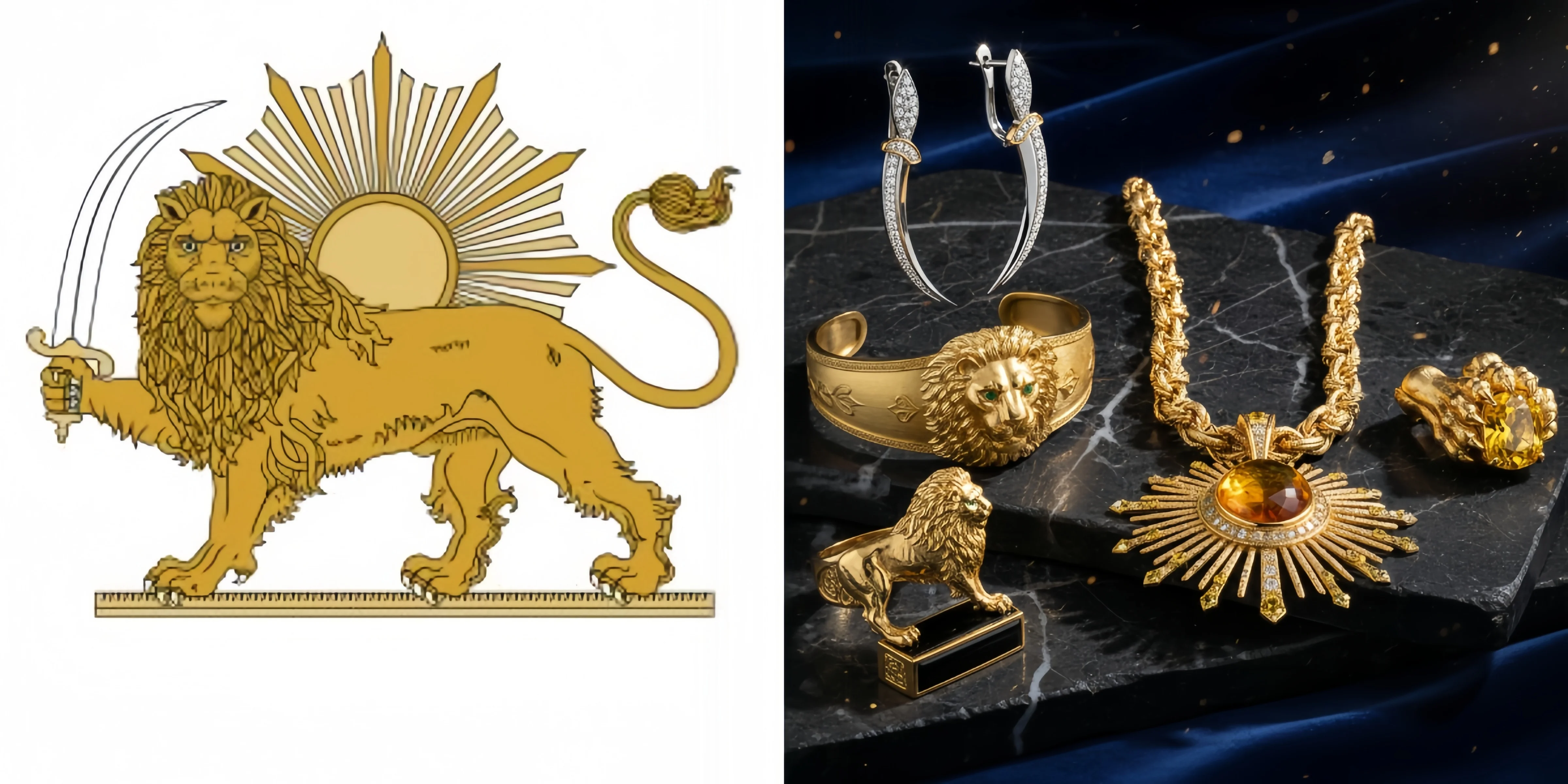
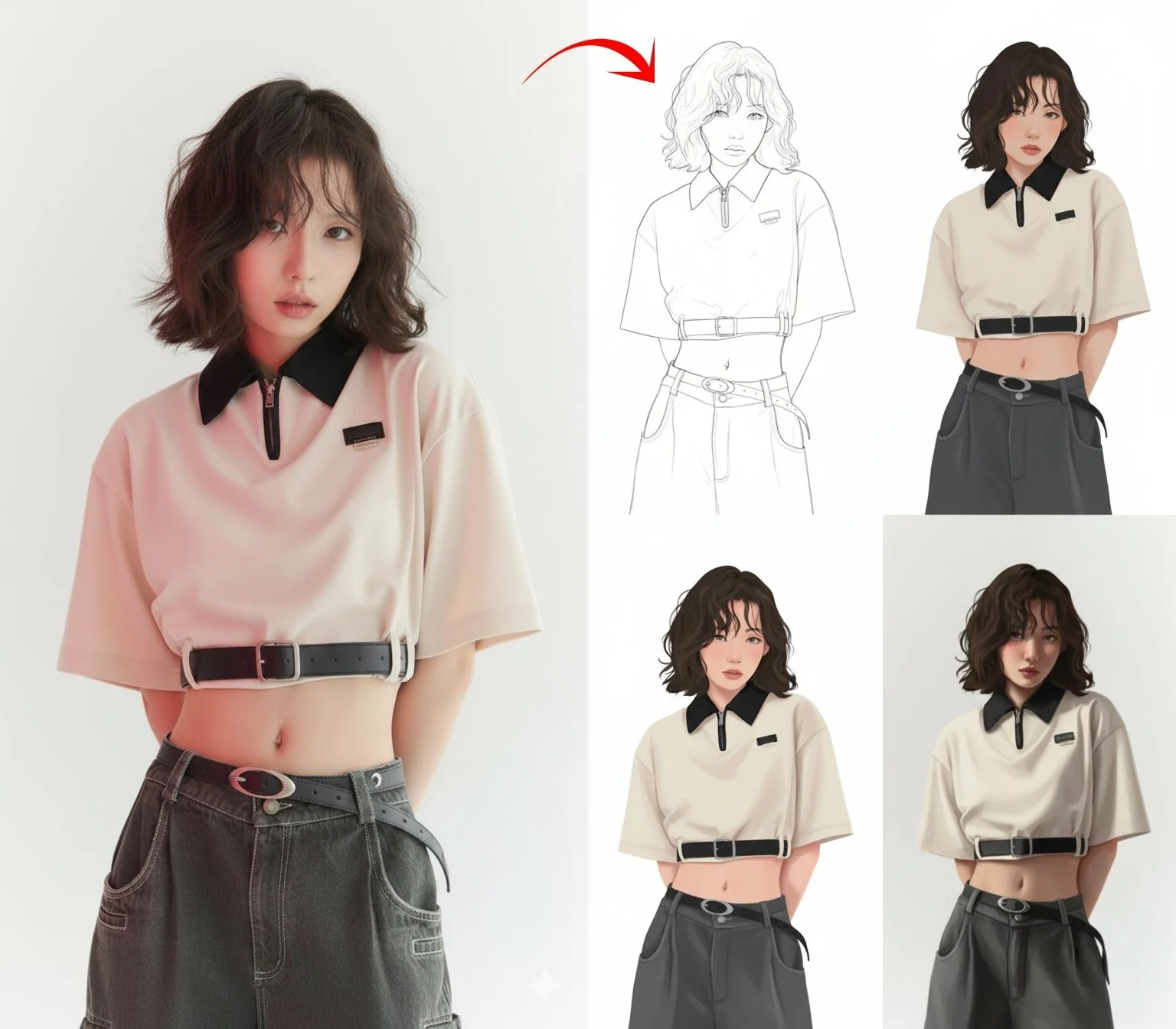
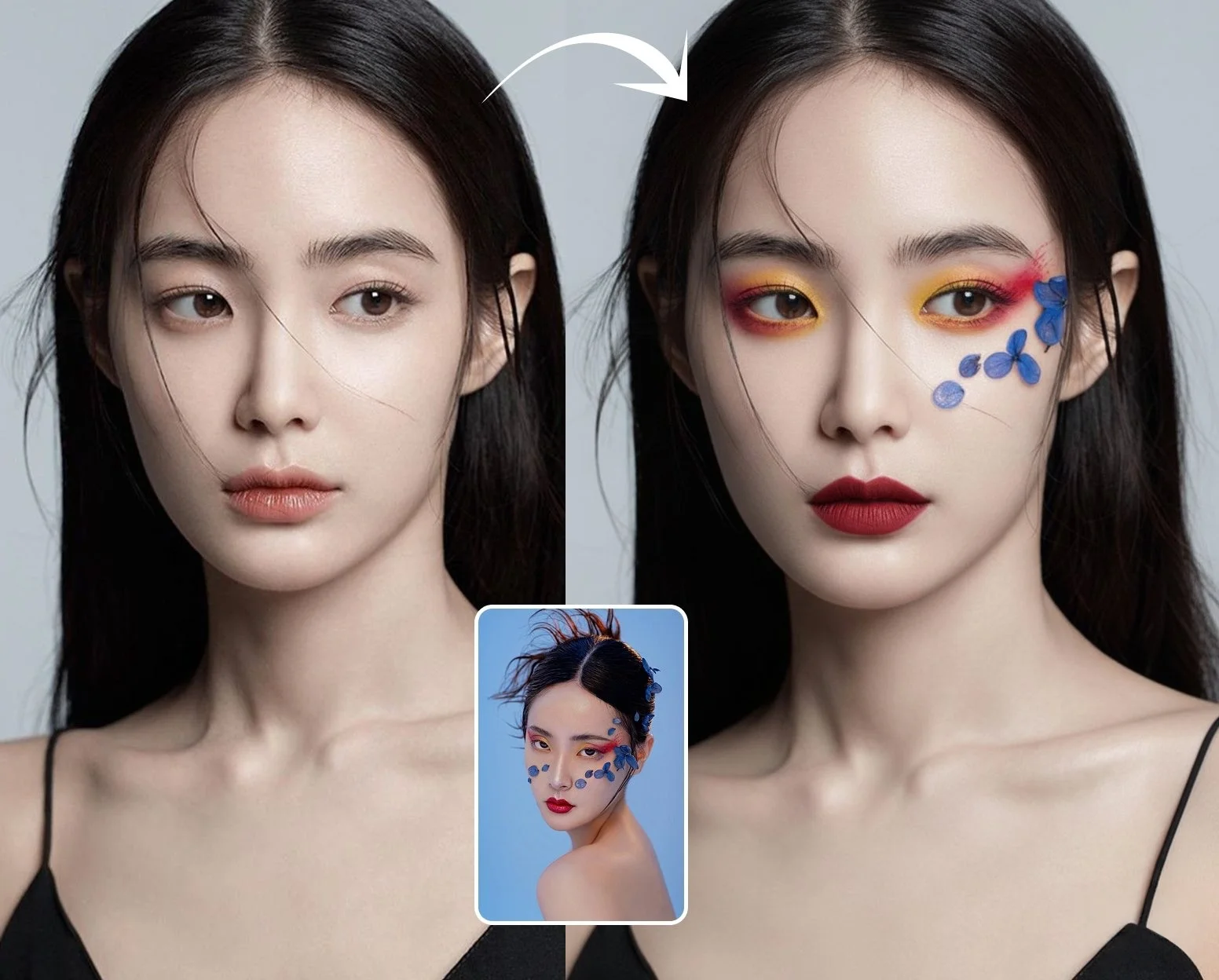


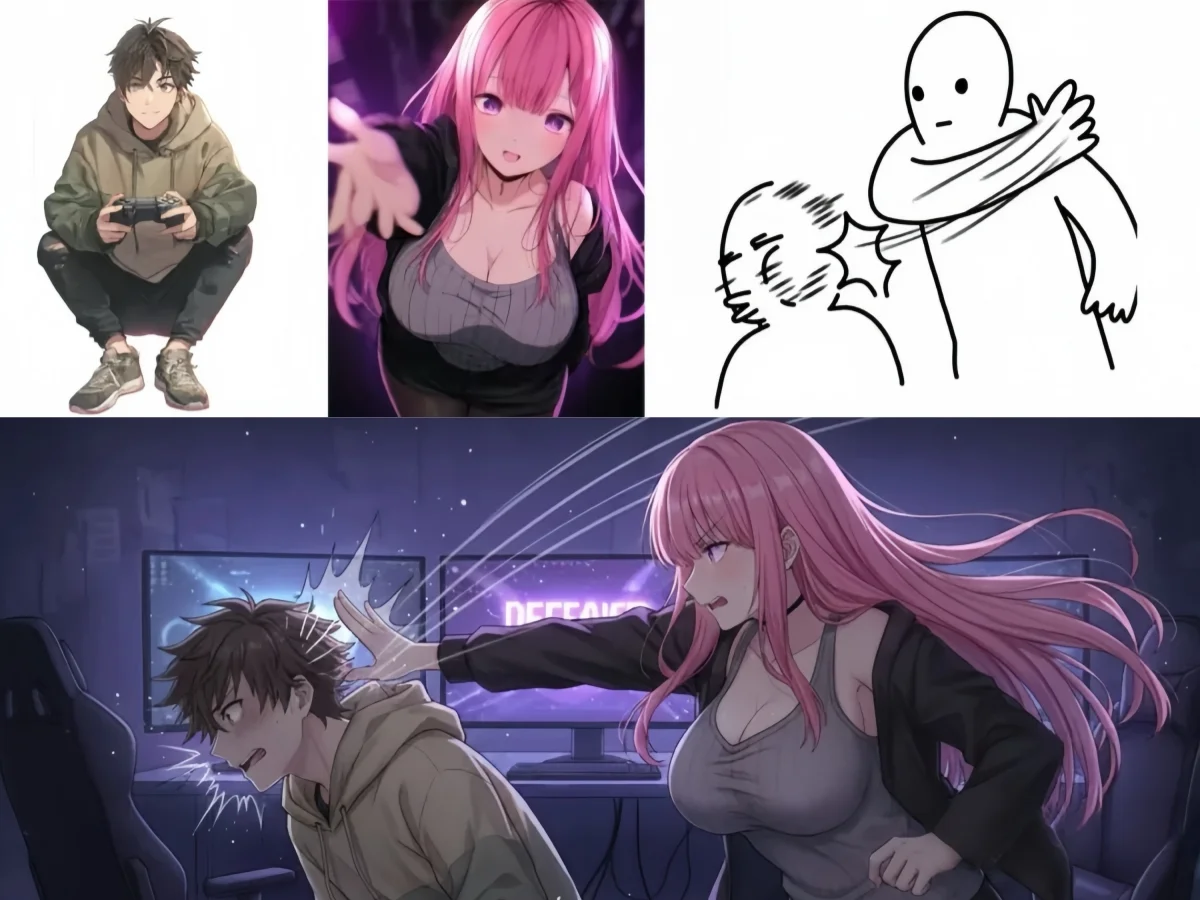
AI Image Generator — Free, Multi-Model, Built for Results
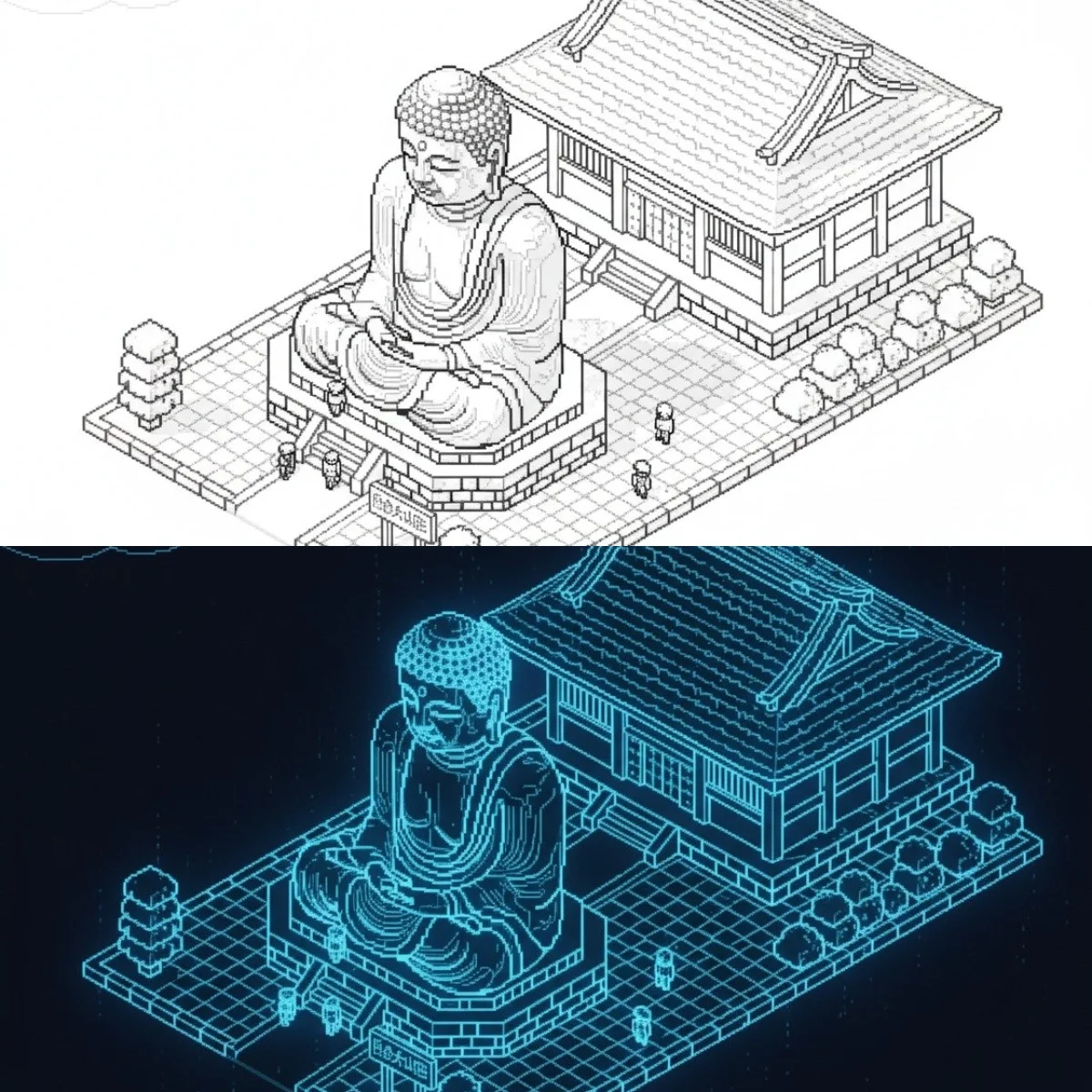
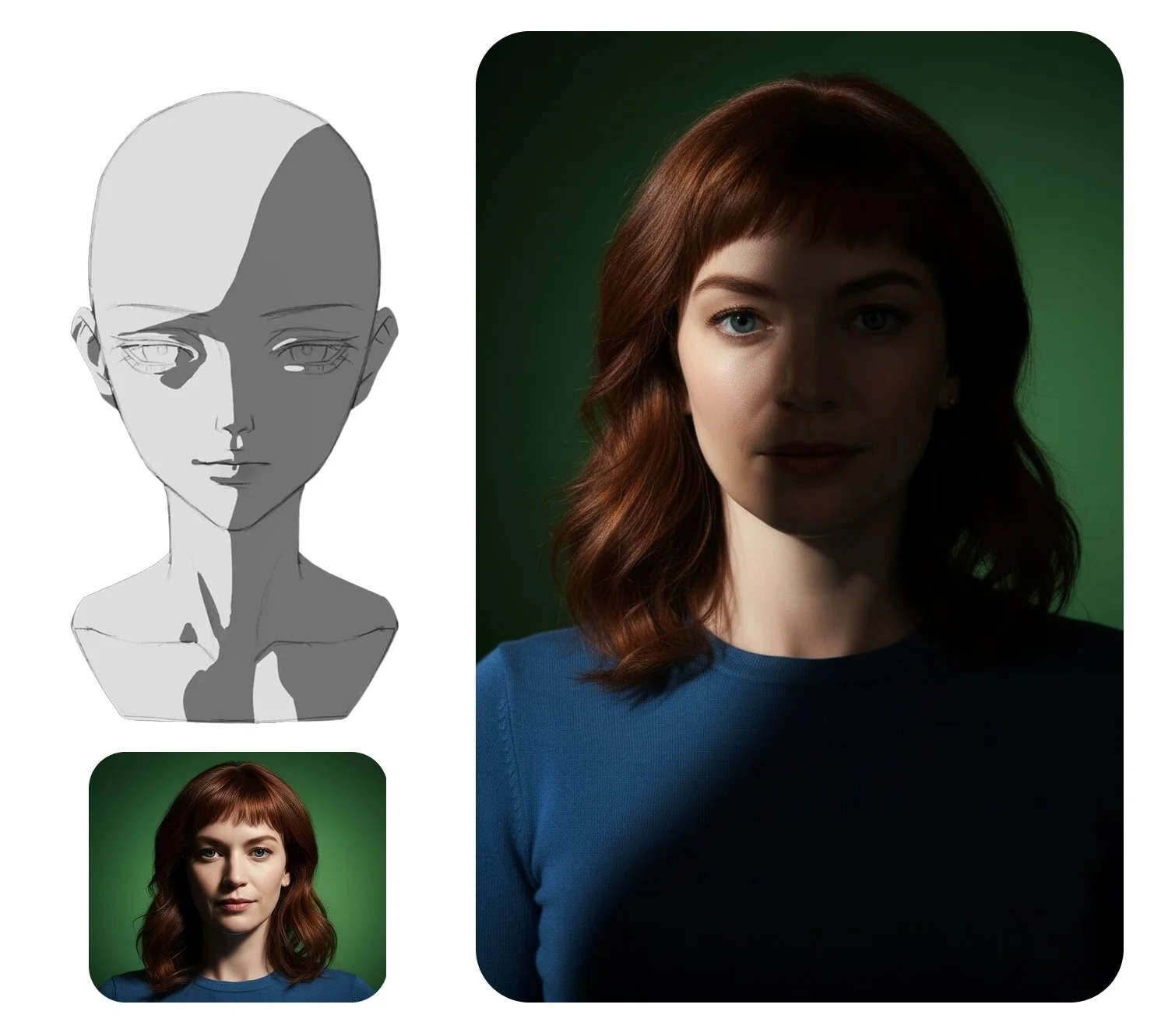
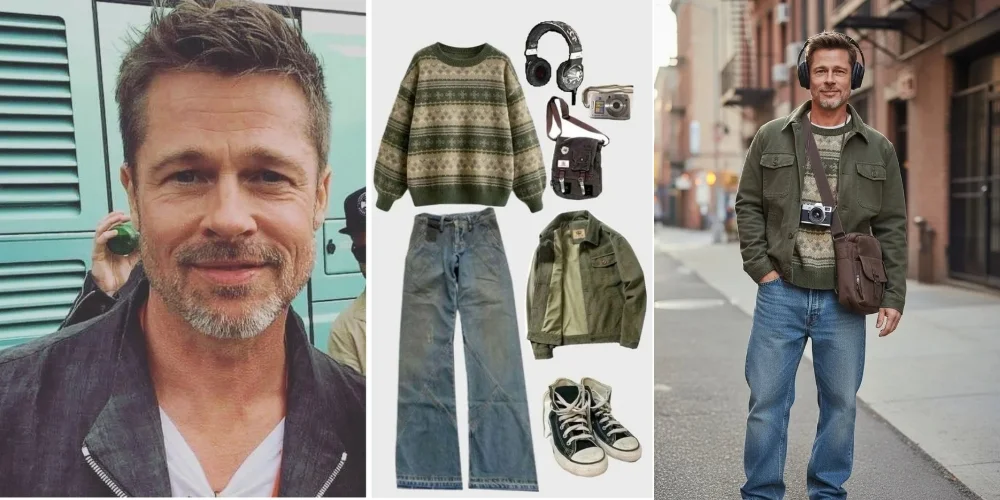
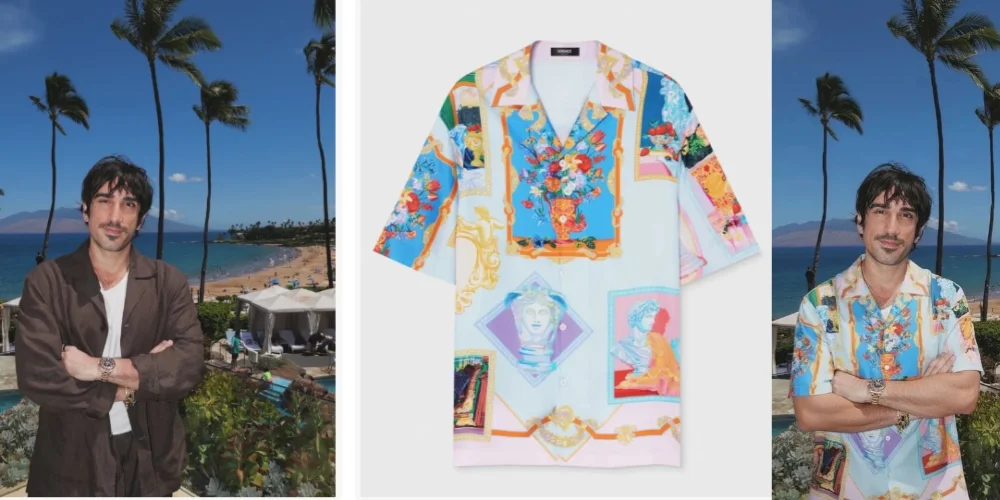
The best AI image generator gives you the right model for each task, not one engine for everything. On Happy Oyster AI, GPT Image 1.5 renders text-inside-images with benchmark-leading accuracy — Arena ELO 1274, ranked #1 in blind comparisons across three independent leaderboards. Seedream 4.5 outputs at native 4K across eight aspect ratios including 21:9 ultrawide. Flux 2 Pro generates a 1K image in under 10 seconds for high-volume batch work. Nano Banana Pro locks character identity across a full asset library with up to 8 reference images. Start generating free — download watermark-free, no setup required.
Which AI Model Fits Your Task?
Specialized engines, each built for a different creative brief. Pick by what your image actually needs — not by brand name.
GPT Image 1.5
OpenAI · Arena ELO 1274 — #1 Text Rendering
The go-to engine when your image needs readable text. Posters, product labels, menus, price tags, and signage — GPT Image 1.5 renders typography accurately because it treats text characters as semantic units, not visual texture. Ranked #1 on three independent leaderboards with an Arena ELO of 1274. Outputs at 1024 px (medium) or 1536 px (high) in three aspect ratios.
Seedream 4.5
ByteDance · Native 4K — Up to 4096×4096 px
Choose this engine when the output needs to fill a large canvas. Seedream 4.5 renders natively at up to 4096×4096 px — no upscaling — across eight aspect ratios including 21:9 ultrawide. Concept art for widescreen productions, banner graphics, and environmental matte paintings all benefit from native 4K detail that upscaled 2K cannot reproduce.
Flux 2 Pro
Black Forest Labs · Sub-10-Second Generation
The fastest engine for high-volume creative work. Flux 2 Pro generates a 1K image in under 10 seconds — fast enough to run 100 product variants in a single session. Benchmark-leading win rate in head-to-head blind tests. Covers seven aspect ratios at 1K and 2K resolution. The right choice when output count matters more than maximum resolution.
Nano Banana Pro
Google · 8 References — Identity-Locked Output
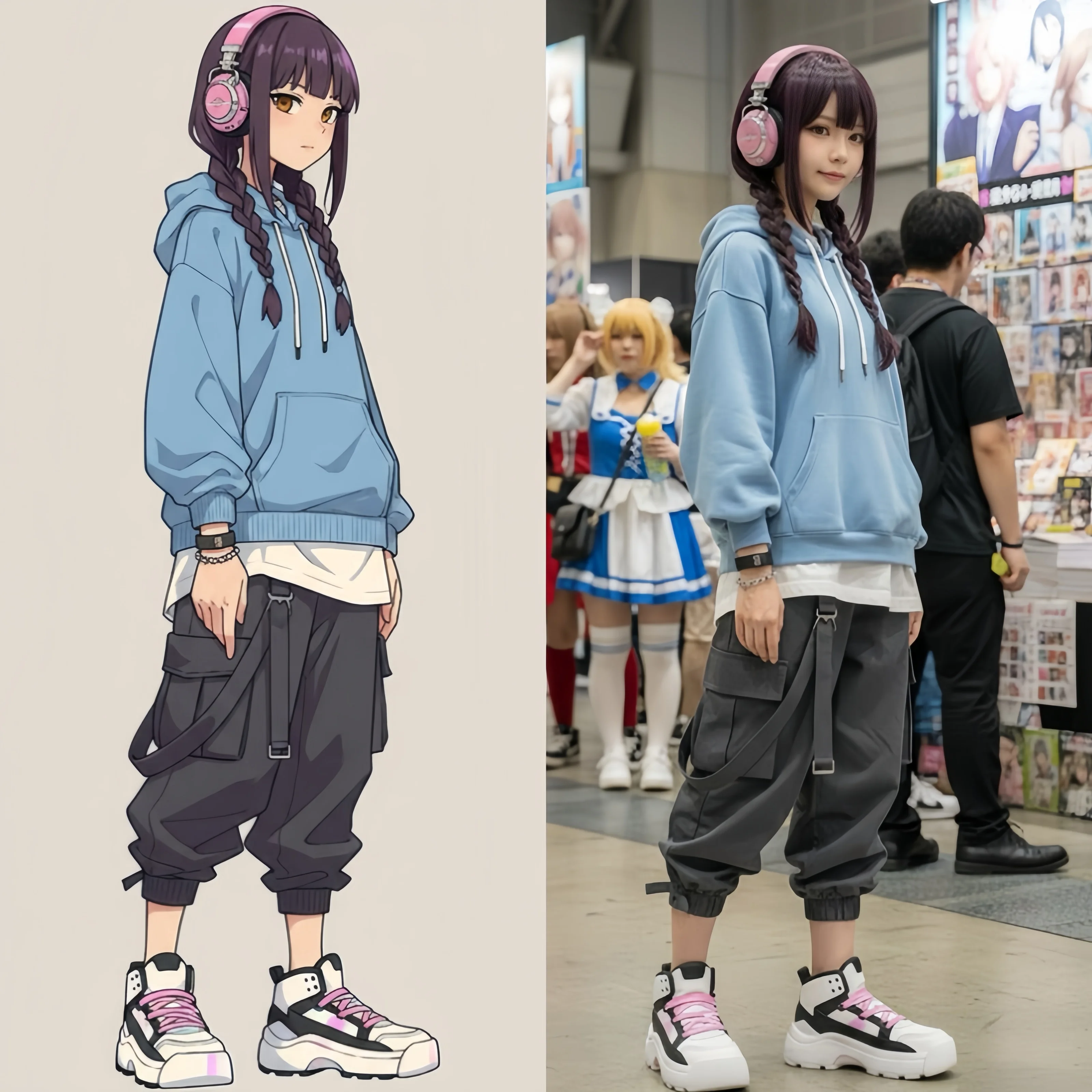
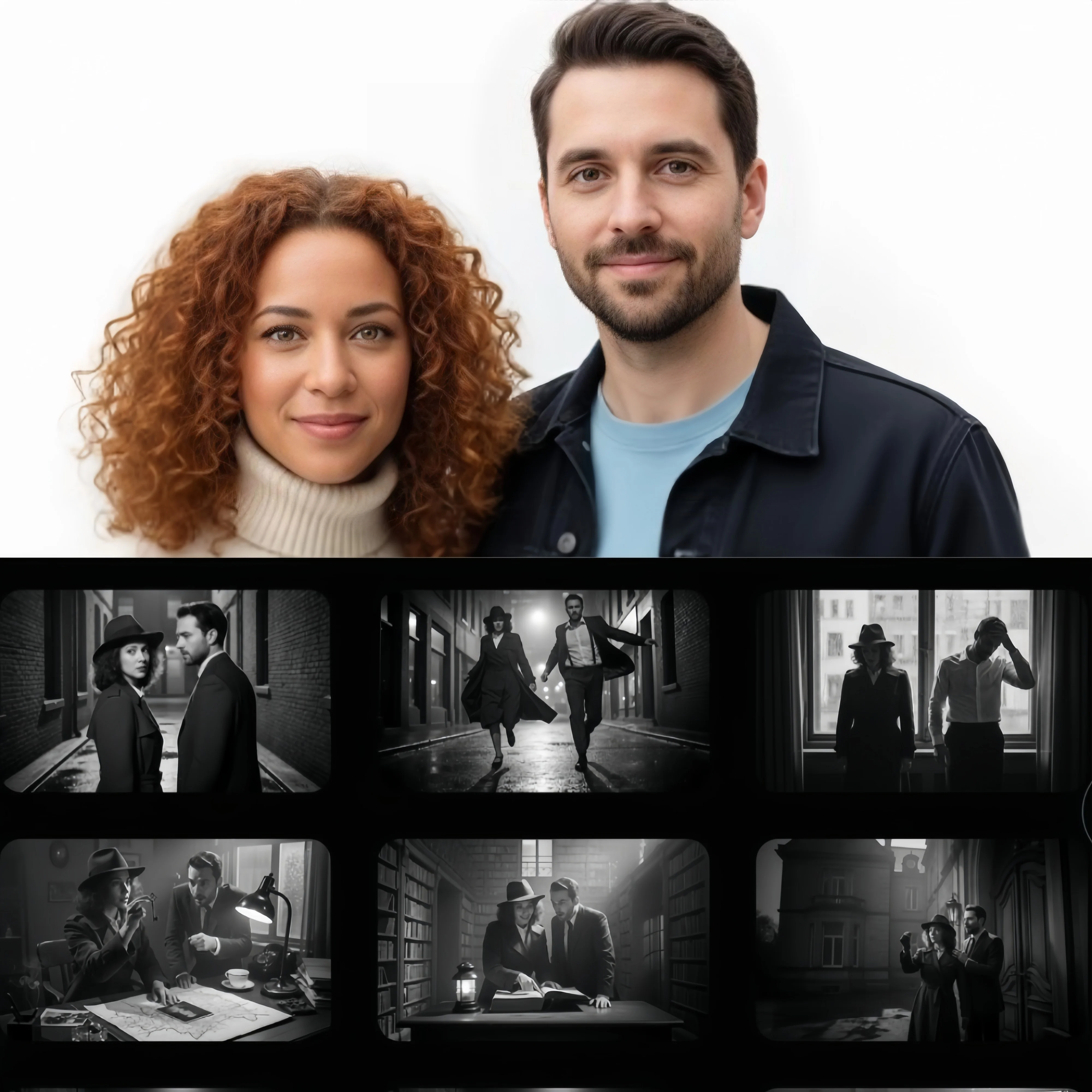
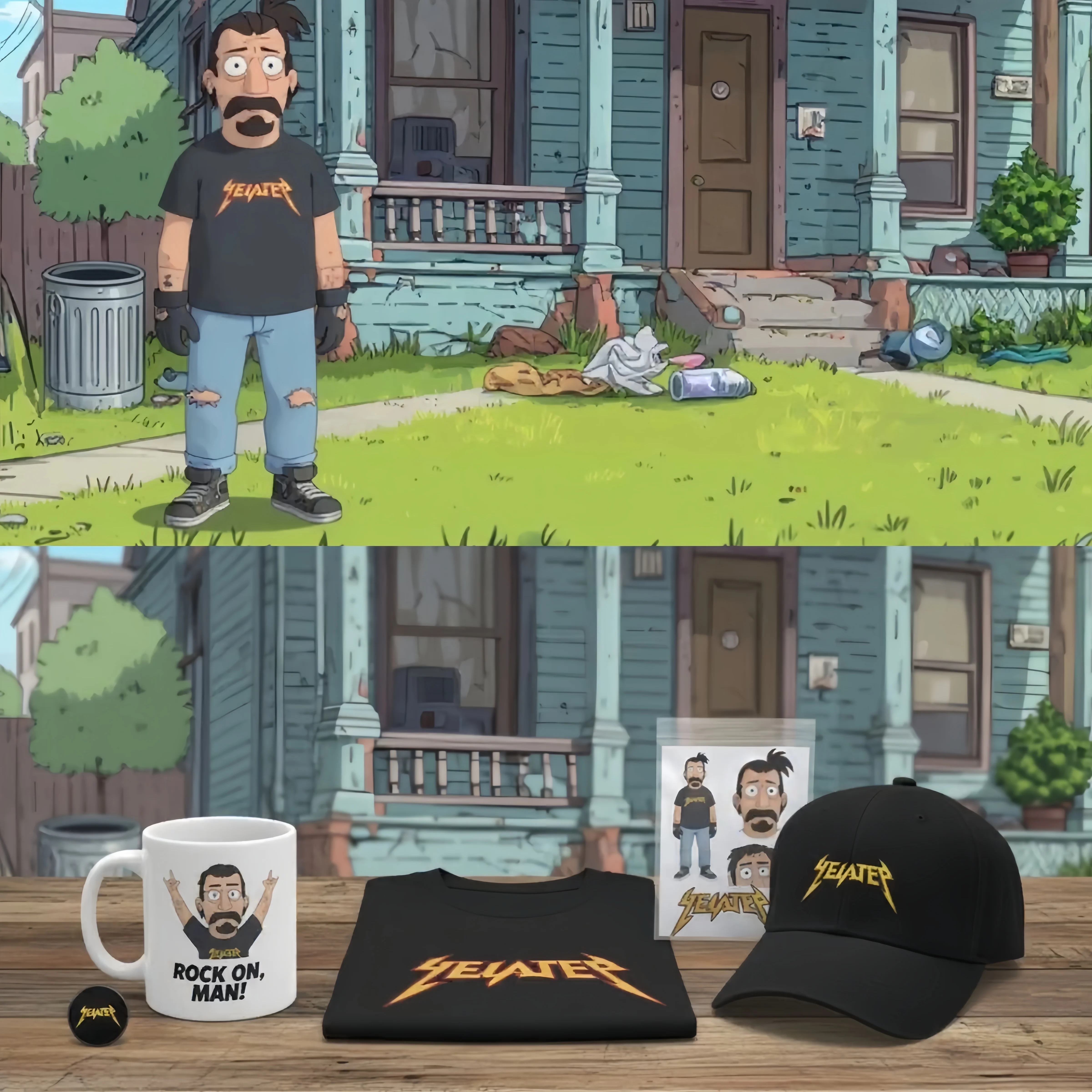
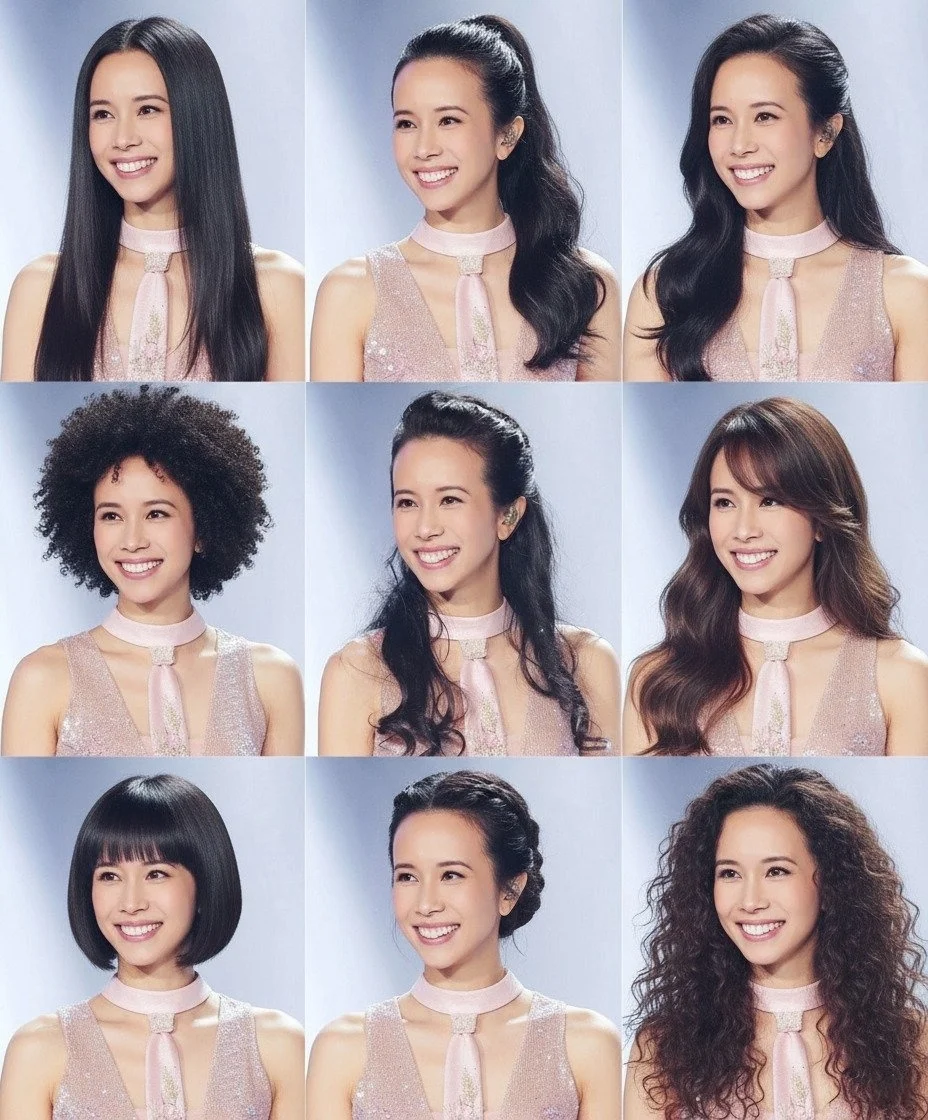
The character consistency engine. Nano Banana Pro treats face structure, hairstyle, and clothing as hard constraints that persist across every image in a series. Feed up to 8 reference images and generate an entire character library at up to 4K across 11 aspect ratios. Ideal for game character sheets, IP mascots, and recurring visual identities.
Nano Banana 2
Google · Google Search Grounding — 15 Ratios
The accuracy engine for real-world subjects. When your prompt references a recognizable brand, a specific landmark, or a current product, Nano Banana 2 queries Google Search to verify appearance before rendering. Accepts up to 14 reference images. Outputs at 4K across 15 aspect ratios — the widest selection on this platform.
Seedream 5 Lite
ByteDance · Chain-of-Thought Spatial Reasoning
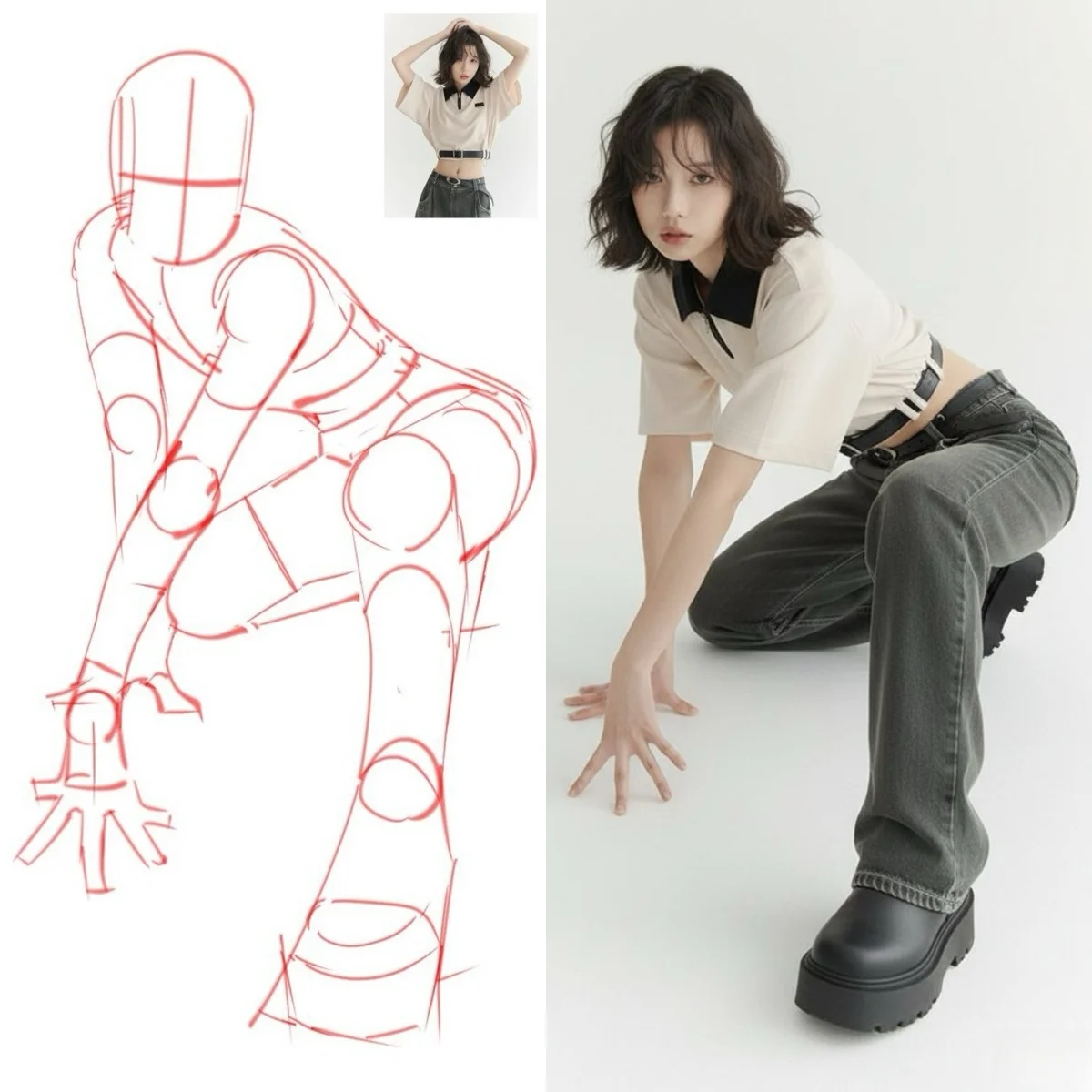
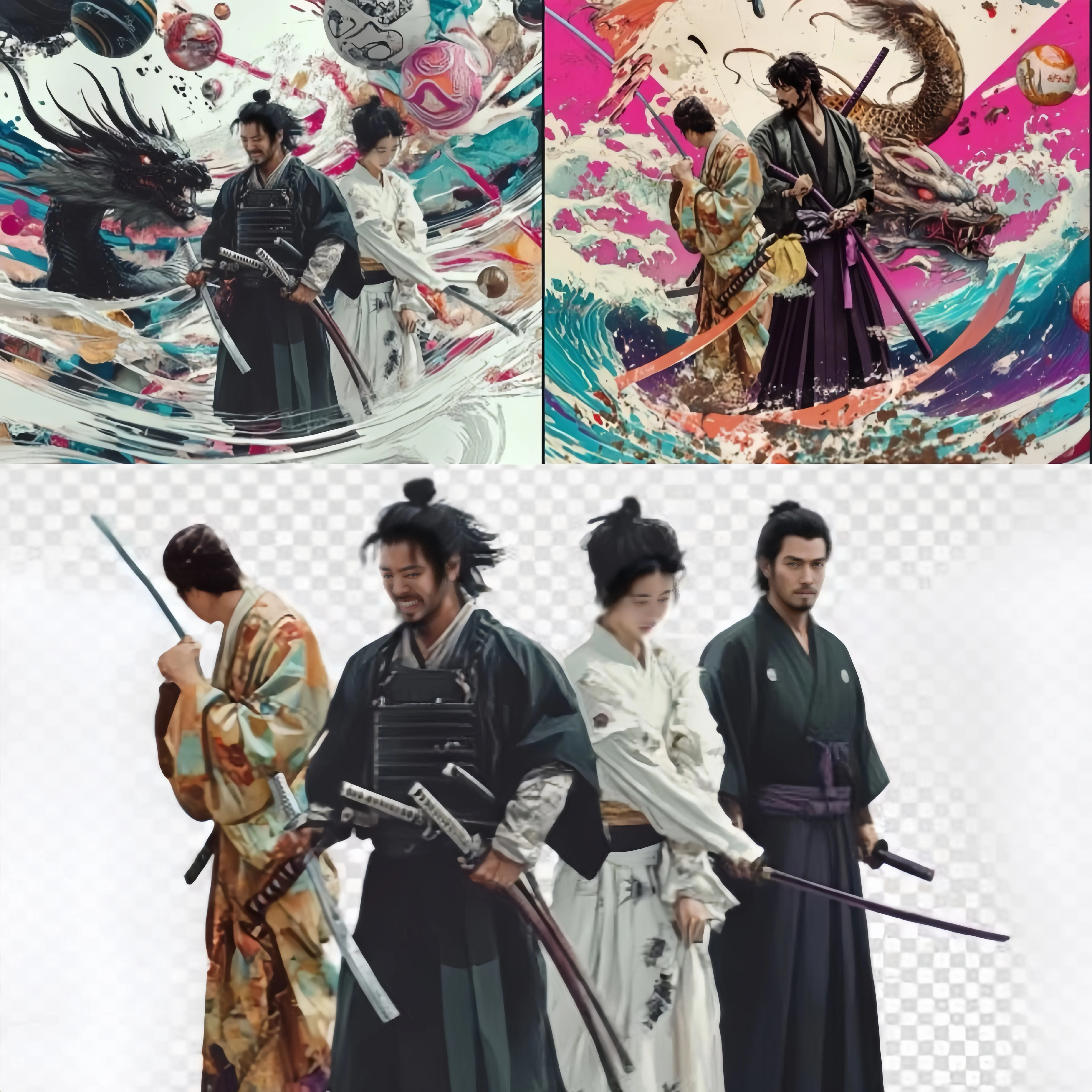
The spatial reasoning engine for complex scenes. When a prompt describes multiple figures, overlapping elements, or precise positioning, Seedream 5 Lite builds an intermediate spatial plan using Chain-of-Thought logic before rendering. Outputs at 2K or 3K across eight aspect ratios including 21:9.
Free AI Image Generator — Text to Image and Image Editing, Together
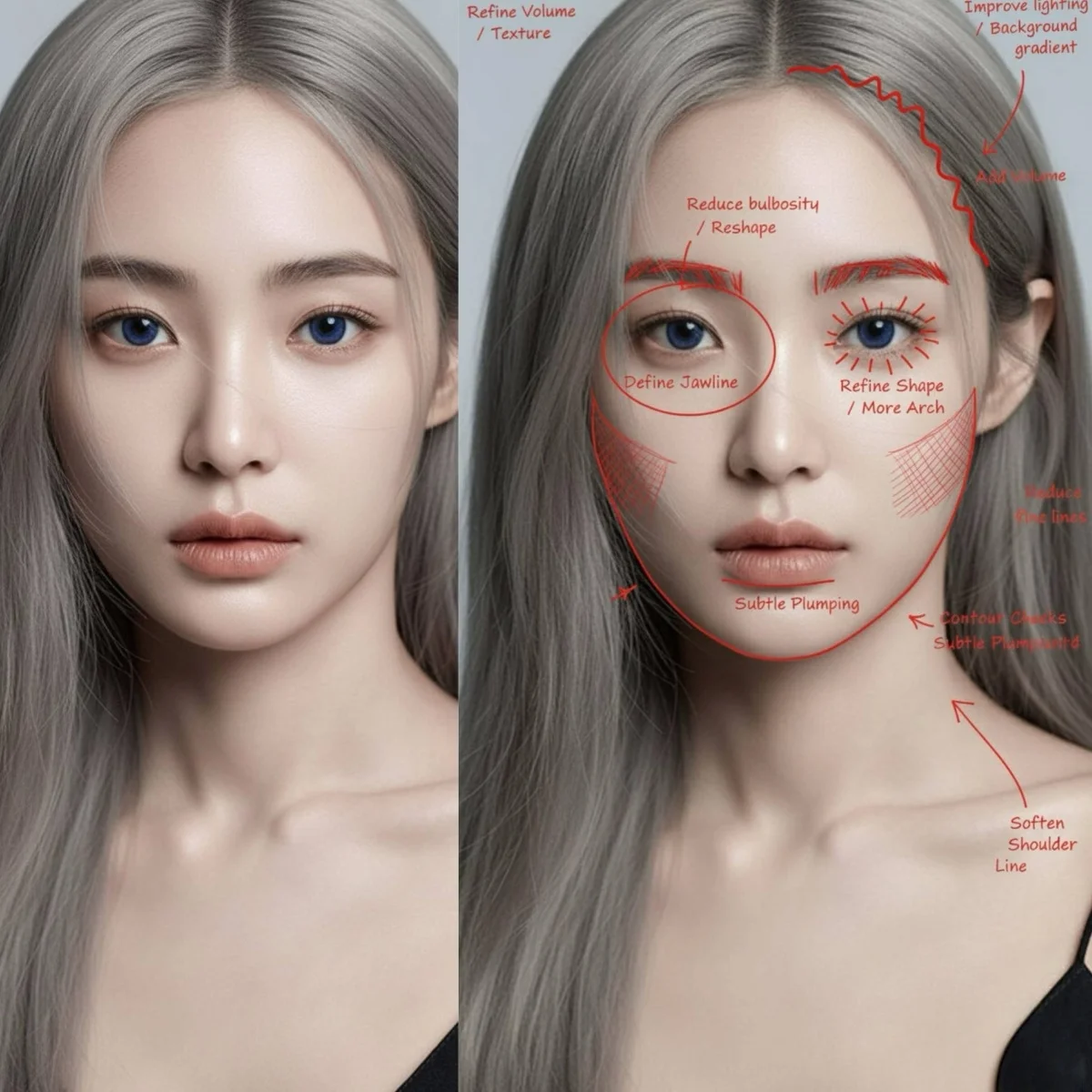
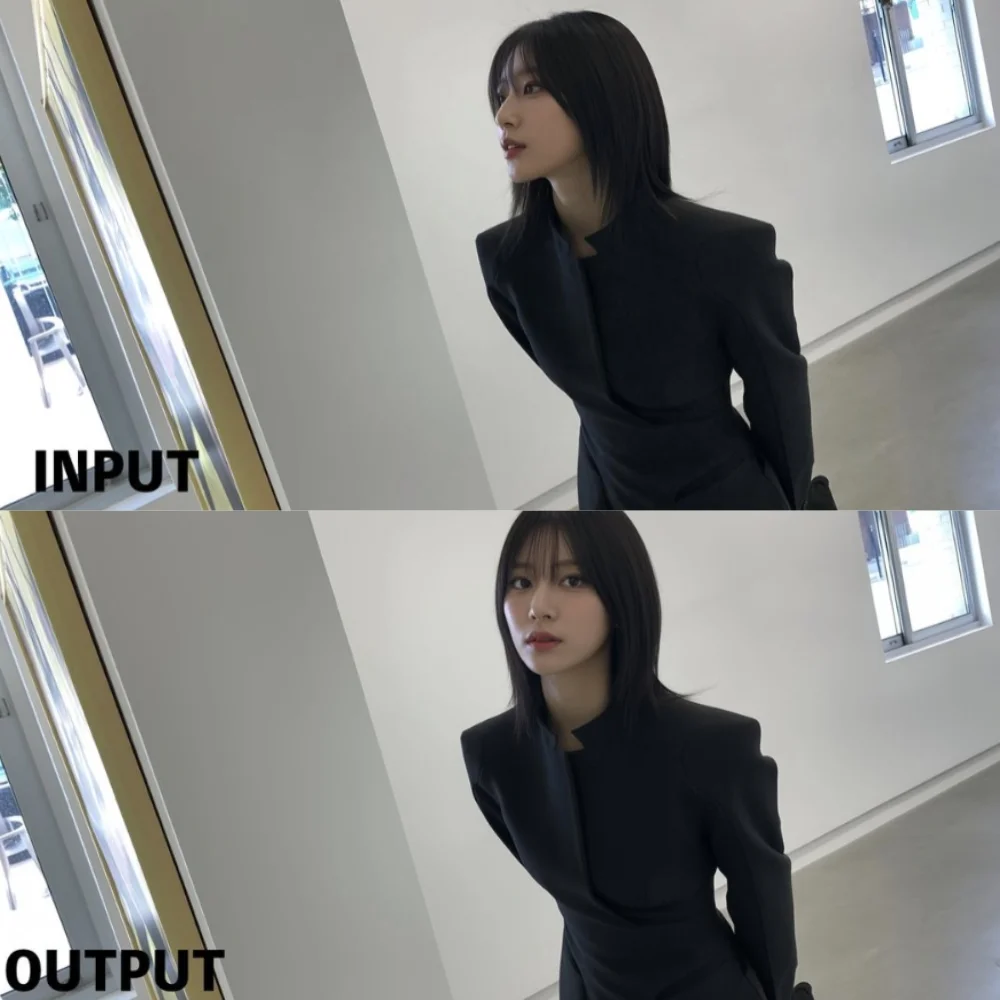
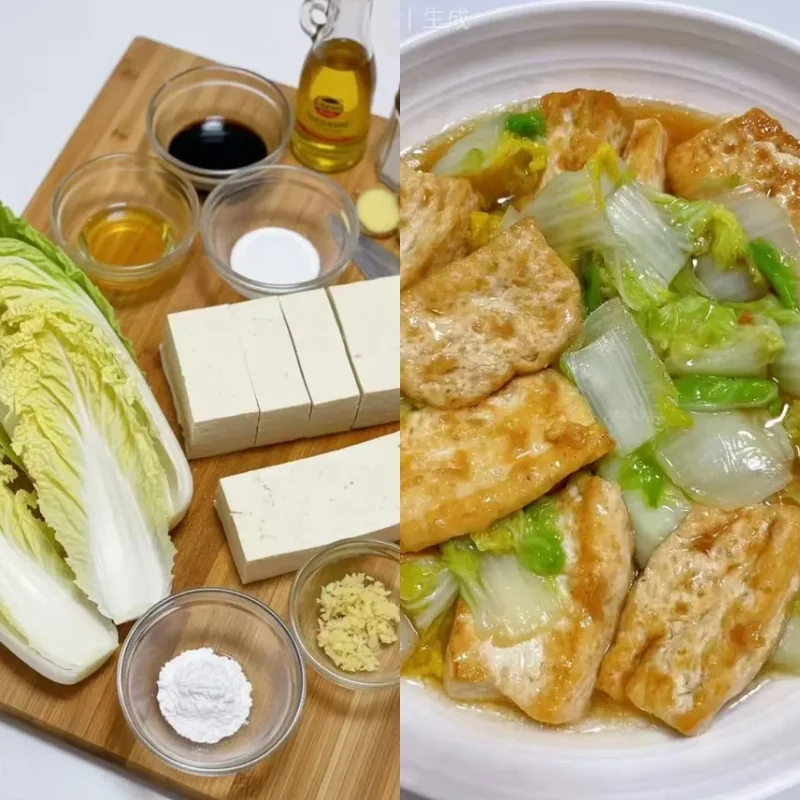
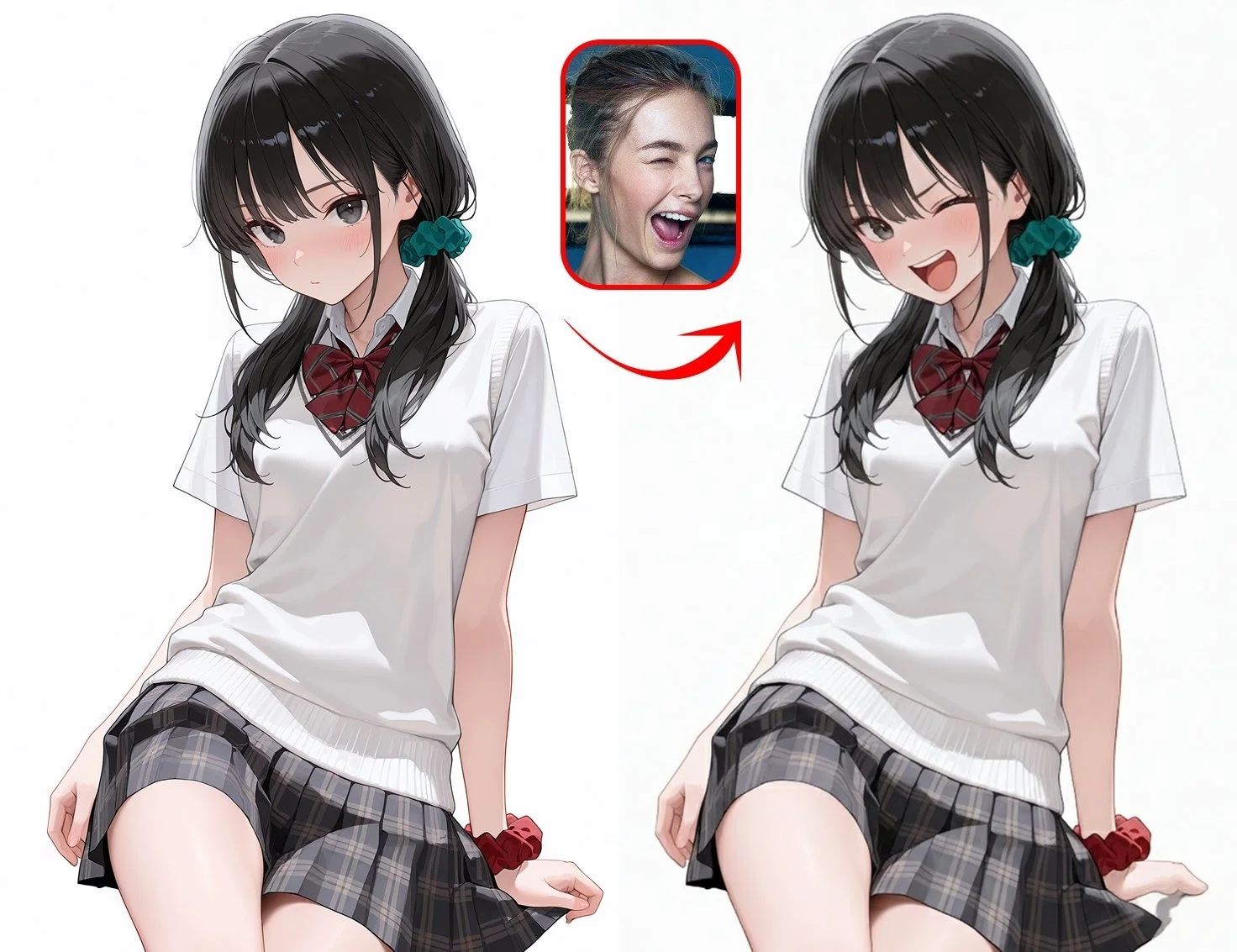
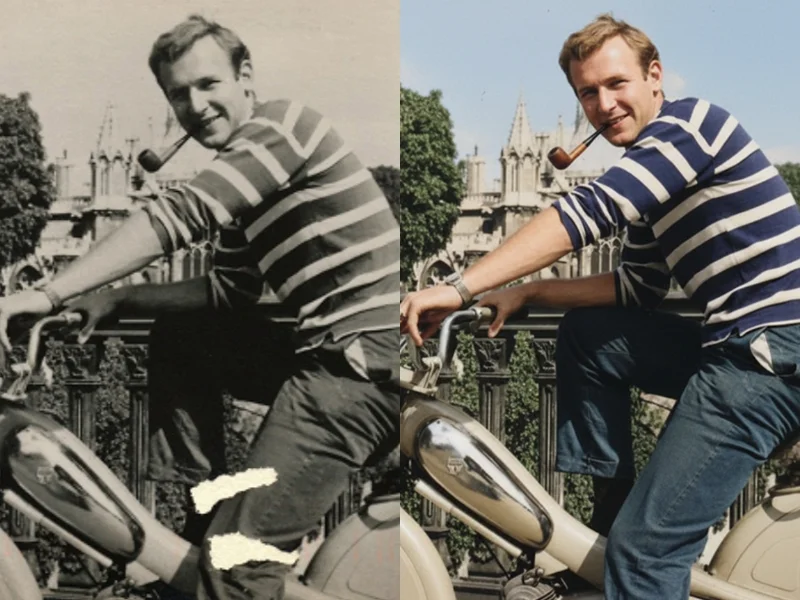
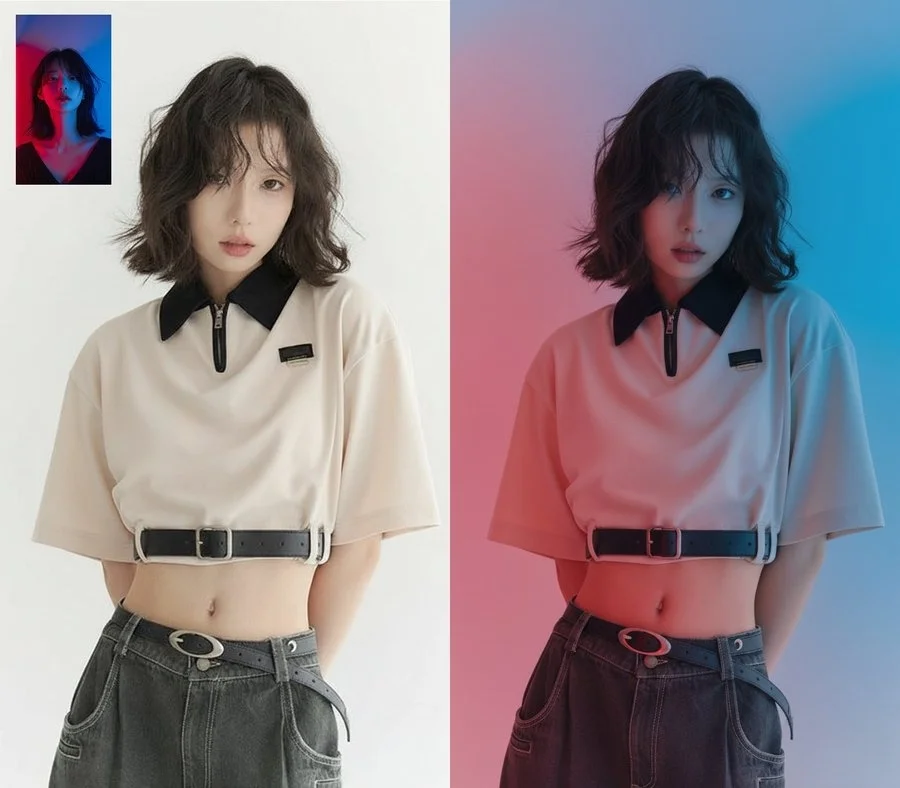
Most free AI image generators make you choose: generate from scratch, or edit an existing image. This platform handles both in one workspace. Describe a scene in text and generate from nothing — or upload a reference image and guide the output with up to 16 reference photos. The same engines that create from prompts also accept image inputs: GPT Image 1.5 reads references for targeted edits, Seedream 4.5 accepts up to 14 references for style-locked remixes, Nano Banana Pro anchors character identity across entire design series. No switching tools. Write the prompt, optionally upload a reference, and download the result watermark-free.
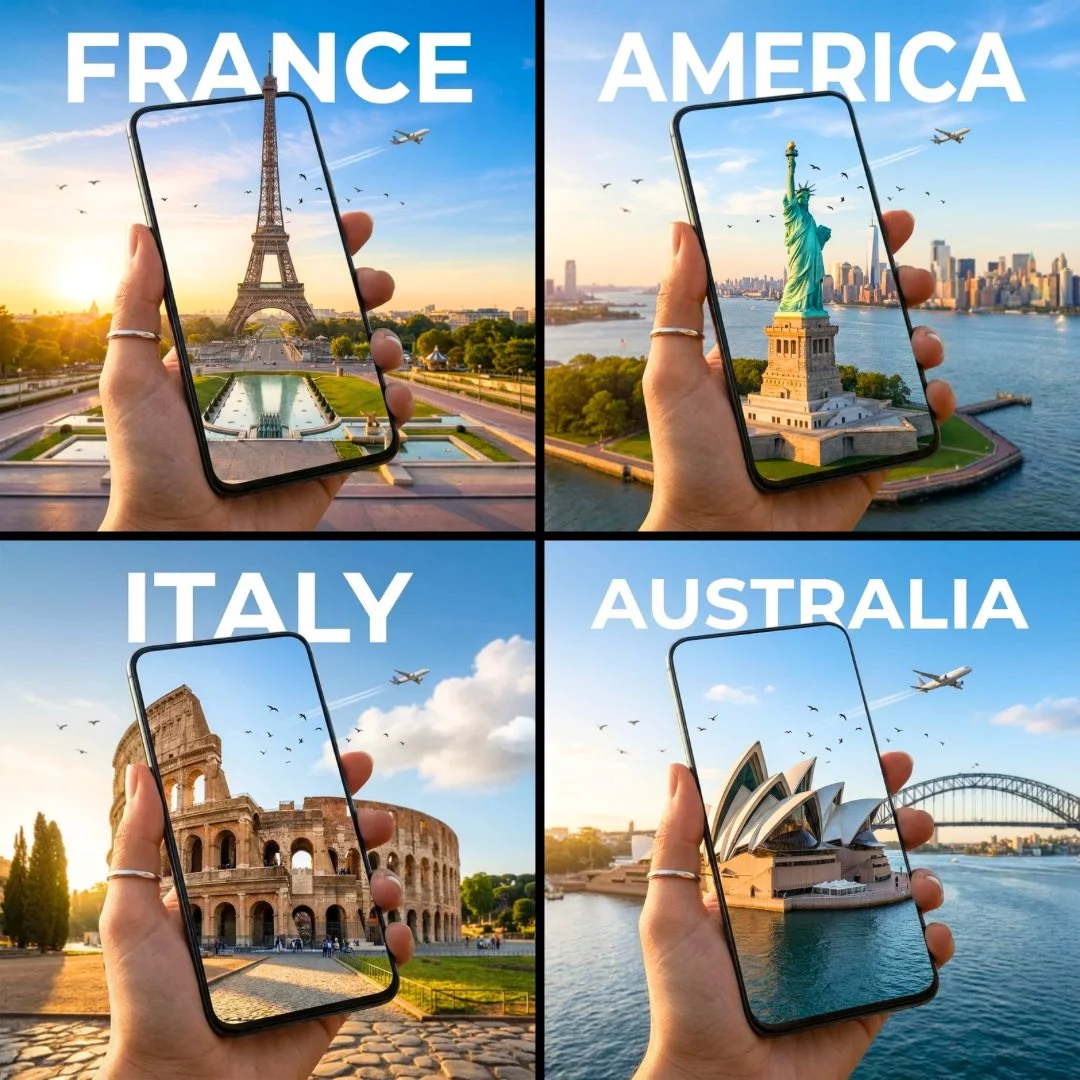
Who Creates with This AI Art Generator?
Different creative briefs call for different engines. Four production workflows and the models that serve them.
Social Media Managers & Content Teams
30 on-brand images in an hour, no design software
Flux 2 Pro's sub-10-second generation means a 30-image content calendar batch finishes before a design brief gets approved. Export every asset watermark-free in PNG or JPEG. No template library, no brand kit dependency — describe the look in the prompt and generate directly to your DAM.
Indie Game Developers & IP Designers
A full character library with consistent face and outfit
Nano Banana Pro locks character identity as a technical constraint, not a style suggestion. Feed four reference images of your protagonist and generate front views, side profiles, expression sheets, and costume variants — every output keeps the same face structure, hairstyle, and clothing details. Up to 4K output across 11 aspect ratios.
E-Commerce Sellers & Product Teams
Product images and lifestyle backgrounds in minutes
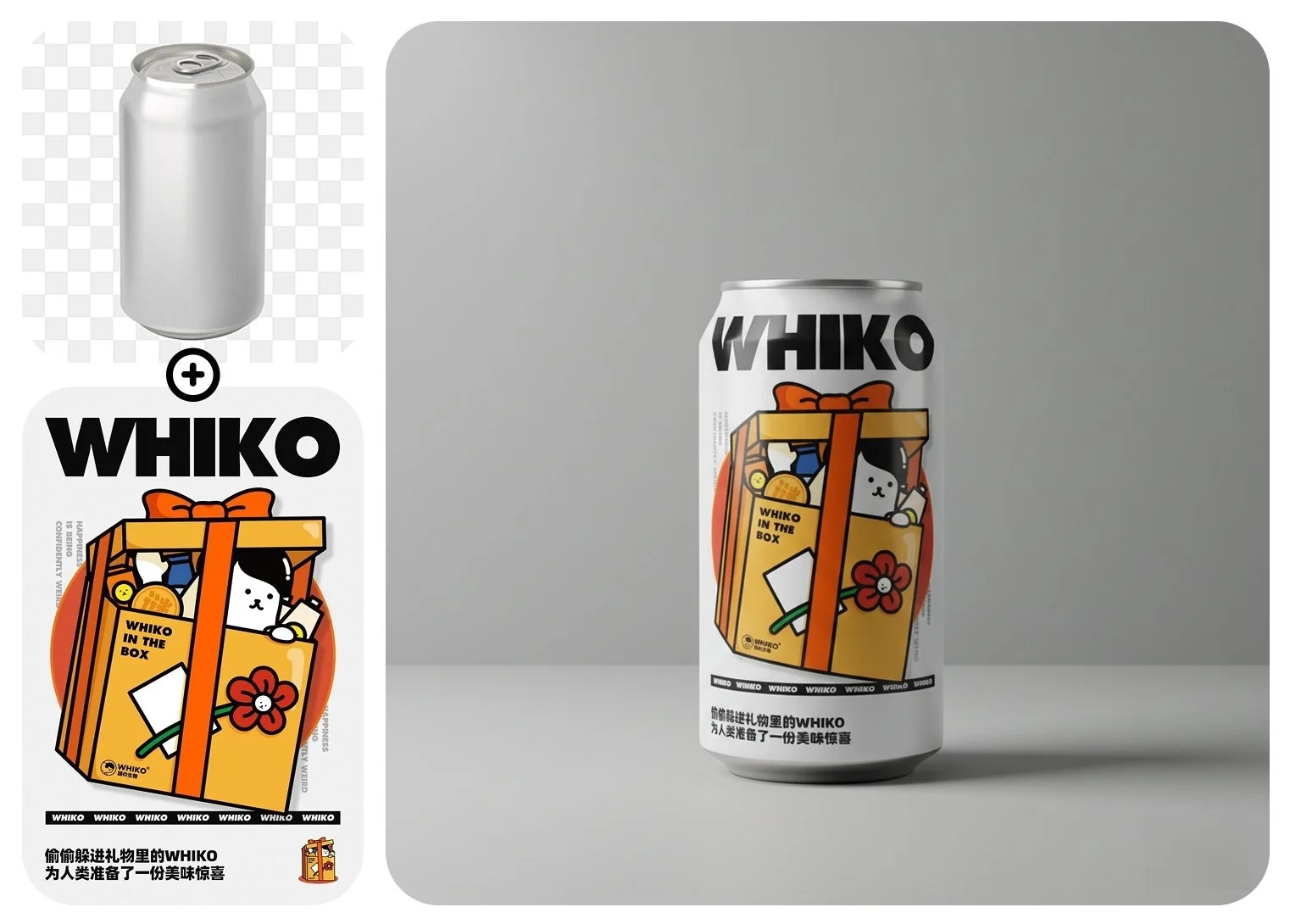
Generate hero product shots, color variant mockups, and seasonal scene backgrounds at 2K or 4K without booking a studio. Flux 2 Pro handles batch SKU runs. Seedream 4.5 delivers native 4K for large-format print and billboard-ready assets. All outputs download watermark-free and are licensed for commercial use.
Bloggers, YouTubers & Course Creators
Custom thumbnails and article headers, free to start
GPT Image 2 and GPT Image 1.5 render titles, chapter numbers, and callout text correctly inside the image — no Photoshop required to fix garbled typography afterward. Generate a matching set of article headers, YouTube thumbnails, and course slides from one prompt template. Start free, upgrade only when volume demands it.
AI Image Prompt Templates — Copy and Generate
Four ready-to-use prompts, each matched to the model where it performs best. Copy, adapt, generate.
Photorealistic Portrait for Social Content
Best with Flux 2 Pro — fast, photorealistic, batch-friendly
"Editorial portrait of a woman in her early 30s, natural wave hair, soft side window light from the left, warm skin tones, minimal makeup, cream linen shirt, shallow depth of field, background softly blurred to green-grey, 4:5 aspect ratio, magazine photography style"
Social Graphic with Readable Headline
Best with GPT Image 1.5 — #1 text rendering accuracy
"Bold social media announcement card, dark navy background, large centered text reading "Summer Drop — July 18", secondary text "Limited to 500 units", brand accent in coral orange, clean sans-serif typography, 1:1 square format, product launch graphic style"
E-Commerce Product Shot at 4K
Best with Seedream 4.5 — native 4K, eight aspect ratios
"Luxury skincare serum bottle on a white marble surface, soft diffused overhead light, subtle warm reflection on the bottle surface, label reading "CLARITY — Vitamin C Serum", droplets of serum beside the bottle, 3:4 portrait ratio, clean commercial product photography, native 4K resolution"
Character Sheet with Cross-Image Identity
Best with Nano Banana Pro — 8 references, identity-locked
"Game character design sheet: same male protagonist, age 24, short dark hair, scar above left eyebrow, wearing a deep green tactical jacket. Show three views: front facing, 45-degree profile, and rear view. Consistent facial structure, same jacket zipper and patch details across all three frames. Clean white background, character sheet layout"
Prompt Techniques That Change What You Get
- • Specify the output medium, not just the subject - Saying 'product photography' or 'editorial illustration' changes how the model frames, lights, and crops the subject. Style-medium anchors activate genre-specific rendering behaviors across all models on this platform.
- • Name the exact text you want to appear - For GPT Image 1.5, quote text directly in the prompt: 'a label reading "GROVE ESTATE — Cold Pressed"'. Named text generates more accurately than described text on every text-rendering benchmark.
- • State the aspect ratio intent early - Seedream 4.5 supports 21:9 ultrawide natively. Nano Banana 2 supports 15 ratios. Mention your target ratio — 'widescreen 21:9 for banner use' — so the model applies correct compositional framing from the start.
- • Match the model to the task, not the prompt - A character sheet prompt on Flux 2 Pro won't hold face consistency. The same prompt on Nano Banana Pro with 4 reference images will. Prompt quality matters less than model selection when the task has a defined right answer.
How to Create AI Images — Three Steps
From idea to watermark-free download in under a minute. No design software, no account required to start.
Describe What You Want to Create
Write your scene, subject, lighting, style, and any text that needs to appear inside the image. Both English and Chinese prompts work. There is no character limit — more specific detail produces more predictable output.
Select the Engine That Fits the Task
GPT Image 2 or GPT Image 1.5 for readable text and typography. Seedream 4.5 for 4K and ultrawide. Flux 2 Pro for speed and batch volume. Nano Banana Pro for cross-image character consistency. Nano Banana 2 for real-world subjects. Seedream 5 Lite for complex multi-figure scenes.
Download Watermark-Free
Generation takes 5 to 60 seconds depending on model and resolution. Output is a PNG or JPEG with no watermark or platform branding. Run the same prompt on a second engine to compare outputs side by side.
Complete Your Creative Pipeline
Turn your generated images into video, animate characters, or add voiceover — all from the same platform.
AI Image Generator FAQ
Answers to the most common questions about free AI image generators, model selection, and output rights.
Start Creating — Your First AI Image Is Free
GPT Image 1.5 ranks #1 for text rendering with an Arena ELO of 1274. Seedream 4.5 outputs at native 4K across eight aspect ratios. Flux 2 Pro generates in under 10 seconds. Nano Banana Pro locks character identity with up to 8 references. Nano Banana 2 grounds real-world subjects with Google Search. Seedream 5 Lite reasons through complex multi-figure scenes. Every engine in one workspace — start free, download watermark-free.