This image will be the starting frame of your video
0 / 5000
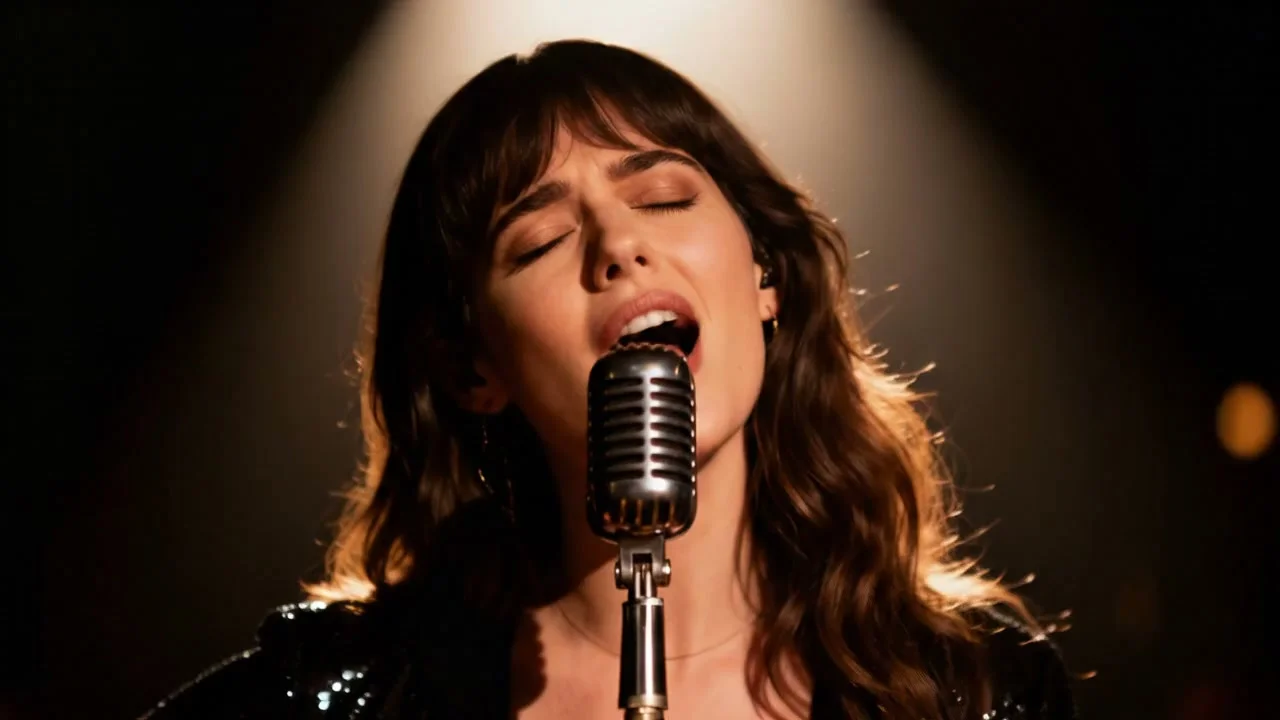
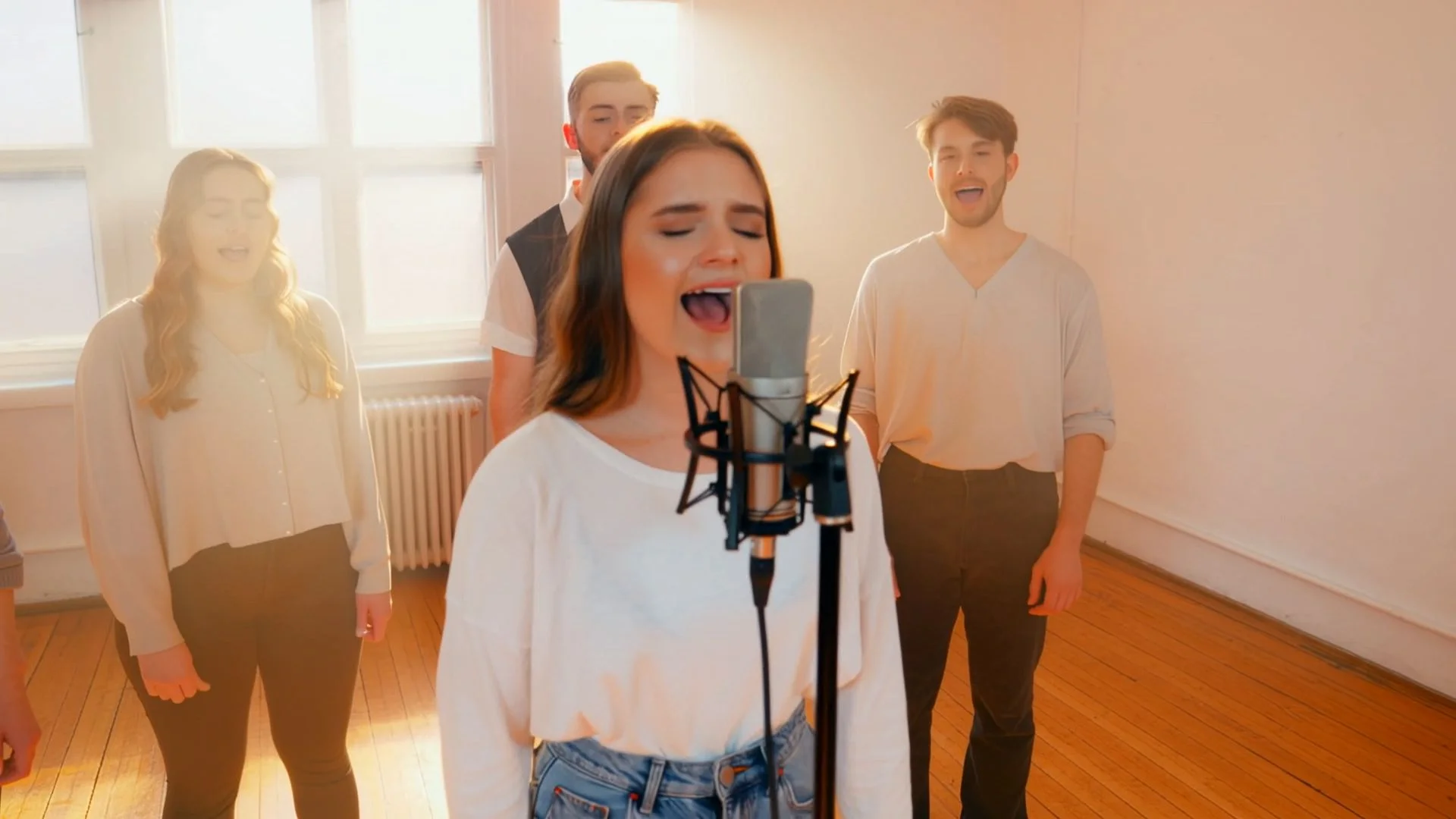

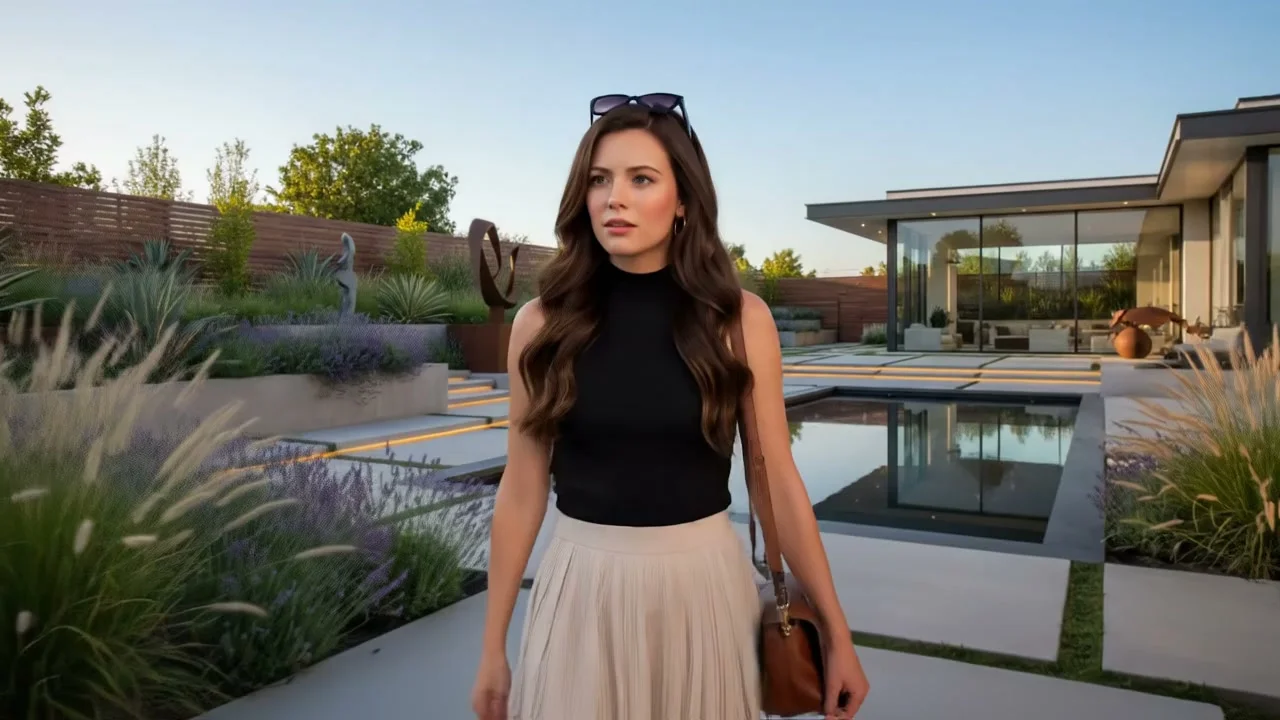
Happy Oyster AI Video Generator — Create Videos with Native Sound
Happy Oyster AI is built by the Alibaba team behind HappyHorse-1.0 — the model that topped the Artificial Analysis global video rankings with an ELO of 1,365. On this platform, Kling 3.0 and Veo 3.1 generate audio and video in a single pass, not layered on afterward. A car accelerates with the right engine note. A narrator speaks with phoneme-accurate lip sync. Ambient sound fills the scene from the first frame. Text-to-video or image-to-video — create in minutes without a separate audio editor.
Why Happy Oyster AI? Built on the Model That Topped Global Rankings
Happy Oyster AI takes its name and lineage from the Alibaba ATH AI Innovation Unit — the team whose HappyHorse-1.0 video model debuted on April 7, 2026 without identifying itself and immediately climbed to #1 on the Artificial Analysis global video arena with an ELO of 1,365, the highest ever recorded for a video generation model. Bloomberg and CNBC confirmed Alibaba's authorship days later. Happy Oyster, the 3D world model released April 16 by the same unit, extends that capability into real-time interactive 3D environments. This platform brings the benchmark-leading video generation pipeline to a consumer-accessible workspace — adding Veo 3.1, Kling 3.0, Seedance 2.0, and Wan 2.6 alongside the Happy Oyster world model.
Choose Your AI Video Engine
Four engines, each optimized for a different type of video output. Select by scene type, required audio quality, and length.
Kling 3.0
Kuaishou
Native 4K, 60fps + Bilingual Audio
The fastest AI video engine to reach native 4K output. Kling 3.0 generates 3 to 15 second clips at 4K/60fps with audio co-generation in a single pass — English and Chinese dialogue, ambient sound, and music cues synthesized alongside the visual frames. Supports multi-shot sequences that chain scenes with consistent character and setting, plus image-to-video mode for animating reference frames.
- Native 4K / 60fps output
- EN + CN audio co-generation
- 3–15s single or multi-shot
- Text-to-video and image-to-video
Veo 3.1
Google DeepMind
48kHz Spatial Audio — Cinematic Sound
The audio quality leader. Veo 3.1 produces 48kHz stereo audio with spatial positioning — sound sources move through the stereo field as subjects move on screen, indoor reverb differs from outdoor openness, and footsteps match visible surface materials. Dialogue, foley, and ambient layers synthesized from prompt language. 1080p output with 4K upscaling.
- 48kHz spatial stereo audio
- Dialogue + foley co-generation
- 1080p with 4K upscaling
- Best-in-class audio quality
Seedance 2.0
ByteDance
2K Motion + 8-Language Lip Sync
The motion and lip-sync specialist. Seedance 2.0 renders complex choreography and athletic sequences with biomechanically accurate body dynamics at 2K resolution. Audio and video are co-generated in a single pass. Phoneme-accurate lip animation across 8 languages makes it the right engine for global content where precise physical performance and synchronized speech must appear in the same clip.
- Biomechanical body dynamics
- Audio-video co-generation
- Lip sync in 8 languages
- Up to 15s at 2K resolution
Wan 2.6
Alibaba
Multi-Shot Character Continuity
The multi-shot continuity engine. Wan 2.6 chains sequential scenes with persistent character identity — the same subject appears consistently across scene cuts, which single-shot models cannot maintain. Audio locks across the entire sequence: dialogue, foley, and ambient layers synchronize across all shots without breaking at edit points. 5 to 15 second output at 720p or 1080p.
- Character identity across scene cuts
- Cross-shot audio sync
- 5–15s multi-shot sequences
- 720p / 1080p output
AI Video Generator with Sound Built In — Not Added After
Standard video tools generate silent footage and hand you off to an audio editor. Kling 3.0 and Veo 3.1 generate audio and video frames together in a single model pass — the sound is not assembled from a library, it is synthesized from the same prompt that drives the visuals. Kling 3.0 produces multi-character dialogue in English and Chinese with phoneme-accurate lip sync, ambient environmental sound, and music cues timed to visual transitions. Veo 3.1 goes further: its 48kHz stereo audio pipeline produces spatial sound — a passing car moves across the stereo field, indoor reverb differs from outdoor openness, footsteps match the surface material shown on screen. For content where audio quality defines production value, native co-generation removes the entire post-production audio step.
What Can You Create with the Happy Oyster AI Video Generator?
From vertical social clips to cinematic pre-production — six production scenarios mapped to the engine that fits each.
Short-Form Vertical Social Content
Recommended: Kling 3.0 — 9:16 native, 4K, built-in audio
Kling 3.0 generates 9:16 vertical video ready for TikTok, Instagram Reels, and YouTube Shorts without cropping. Audio — dialogue, music cues, and ambient sound — is synthesized alongside the video frames. Generate 10 creative variations in an hour and compare audiovisual performance before scaling ad spend.
Brand and Product Launch Videos
Recommended: Veo 3.1 — cinematic audio, 1080p production quality
Veo 3.1's 48kHz spatial audio pipeline produces broadcast-quality narration, foley, and ambient sound in one generation pass. Write the voiceover script and scene description together — the model synthesizes both. Use Fast mode for concept direction testing and Quality mode for the final client deliverable.
YouTube B-Roll, Intros, and Visual Essays
Recommended: Kling 3.0 or Veo 3.1 — depends on audio priority
B-roll with ambient sound, branded intro sequences with music cues, and visualized concept clips for video essays — all generate without a recording setup. Kling 3.0 for fast turnaround and 4K output. Veo 3.1 when the audio track needs to carry documentary-grade presence.
Film Pre-Production and Storyboarding
Recommended: Wan 2.6 — multi-shot continuity across scenes
Wan 2.6 maintains character identity and audio consistency across connected scene cuts — the right engine for pre-visualization sequences where the same subject must appear in multiple shots. Generate a four-shot pitch sequence in minutes, with consistent lead actor appearance and continuous ambient audio across every cut.
Educational Explainer and Science Visualization
Recommended: Veo 3.1 — narration synced to visual event
Veo 3.1 generates narrated explanations where spoken content and on-screen action are synthesized together. Name the concept, describe the visual, include the narration text in quotes. The output arrives with dialogue timed to the scene and ambient sound matching the environment.
Game Trailers and World Preview Videos
Recommended: Kling 3.0 — 4K, multi-shot, cinematic motion
Kling 3.0 generates 4K multi-shot sequences with cinematic motion and audio — game trailer format video without animation software or recording studio. Connect to the Happy Oyster world model pipeline for 3D interactive environment previews from text prompts.
How to Create AI Videos with Happy Oyster AI — Three Steps
No timeline editor. No audio post-production. Write the scene, pick the engine, download the result.
Describe the Scene
Write what the camera sees, how it moves, and what sounds should fill the frame. Include subject actions, dialogue, lighting, and environment. Both English and Chinese prompts work. The more specific the scene description, the more precisely each engine renders intent.
Select Engine, Duration, and Mode
Pick Kling 3.0 for 4K output with bilingual audio, Veo 3.1 for cinema-grade spatial sound, Seedance 2.0 for dance and athletic motion with 8-language lip sync, or Wan 2.6 for multi-shot character continuity. For image-to-video, upload a reference frame before generating.
Download HD Video with Audio
Generation completes in 1 to 5 minutes depending on engine and length. Output is HD video with embedded audio — no separate audio file, no sync step. Download directly. Generate a second version on a different engine to compare audiovisual interpretations side by side.
AI Video Prompt Templates — For Kling 3.0 and Veo 3.1
Four production-tested prompts, each matched to the engine that renders it best. Copy and adapt.
Vertical Social Clip with Voiceover
Best with Kling 3.0 — 9:16, 4K, bilingual audio co-generation
"A coffee barista in a bright café pours steamed milk in a slow arc into a dark espresso shot, creating a leaf pattern in the foam. Camera slowly dollies in from waist height. Soft morning light from large windows. Audio: gentle ambient café noise, milk steaming sound, then barista says: "The perfect flat white starts with the pour." 9:16 vertical format, 8 seconds"
Product Launch Announcement
Best with Veo 3.1 — 48kHz spatial audio for brand work
"Clean white studio. A sleek matte black sneaker rotates slowly on a low pedestal, overhead key light, subtle shadow below. Camera racks focus from the sole texture to the brand logo on the heel. Audio: no dialogue, deep low-frequency rumble builds from silence as the logo sharpens into focus, then resolves to silence. 16:9 widescreen, 8 seconds, cinematic product reveal"
Multi-Shot Narrative Sequence
Best with Wan 2.6 — character continuity across scene cuts
"Scene 1 (3s): A woman in a dark red coat walks toward a lit doorway at night, rain falling, footsteps on wet pavement. Scene 2 (3s): Same woman steps inside, shakes rain from her coat, glances around a warmly lit interior. Scene 3 (3s): Close on her face as she recognizes someone off-camera. Continuous ambient rain audio transitions to muffled indoor warmth across all three shots."
Science Explainer with Narration
Best with Veo 3.1 — co-generated narration synced to visual
"Animation of a single water droplet falling toward a still water surface in extreme slow motion. The droplet hits and creates a crown splash with multiple smaller droplets radiating outward. Camera holds close, then pulls back to show ripple rings expanding. Audio: narrator says "Surface tension breaks at the point of impact, creating a crown formation that lasts under a millisecond in real time." Clean white-blue background, 10 seconds"
How to Write AI Video Prompts That Produce Usable Output
- • Open with the primary subject and its motion - The first noun-verb pair in a video prompt anchors the entire generation. 'A barista pours steamed milk in a slow arc' is more actionable than 'a coffee shop scene'. Kling 3.0 and Veo 3.1 both encode the opening clause first — lead with what moves.
- • Name camera movement explicitly - Static prompts produce static-looking results. Use cinematography vocabulary: slow dolly toward subject, steadicam follow from behind, overhead crane descent, rack focus from foreground to background. Both Kling and Veo respond to camera direction language with measurable framing differences.
- • Include audio cues by name - Kling 3.0 co-generates audio from the prompt — name what should be heard: dialogue in quotes, ambient layers ('rain on glass', 'crowd murmur'), and sound events ('engine start', 'door slam'). Veo 3.1's 48kHz pipeline responds to the same specificity with spatially positioned sound.
- • Lock the visual style to a genre or format - Unanchored style produces generic output. Name a specific format: '9:16 TikTok, handheld, natural light', 'cinematic 16:9, anamorphic, shallow DOF', 'documentary, wide establishing, ambient sound only'. Format anchors control aspect ratio, movement style, and color science simultaneously.
More Tools in the Happy Oyster AI Suite
Happy Oyster AI Video Generator FAQ
Brand background, audio specs, model comparison, and output details — answered with specific technical data.
Generate Your First AI Video with Sound — Free to Start
Happy Oyster AI is built by the Alibaba team that topped global video benchmarks with HappyHorse-1.0 at ELO 1,365. Kling 3.0 generates native 4K with bilingual audio in one pass. Veo 3.1 produces 48kHz spatial sound that moves through the stereo field. Seedance 2.0 renders biomechanically accurate motion with lip sync in 8 languages. Wan 2.6 chains multi-shot sequences with character continuity. Start free — your first video generates in minutes.